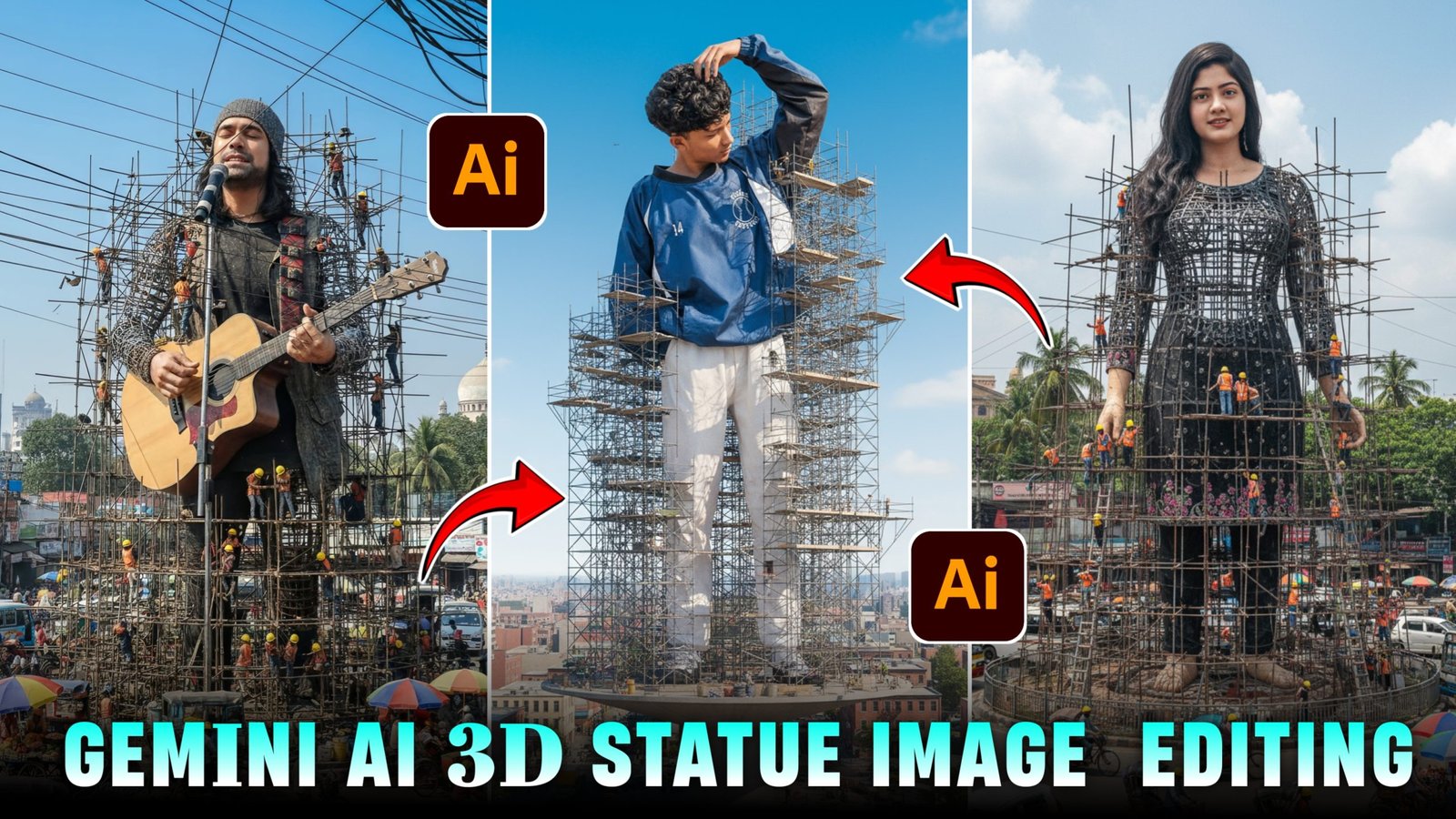
So friends, you must have seen the 3D ai model image on Instagram, which is becoming very viral, but everyone is able to make that type of image and for those who do not know, I have also told the complete process about it on my website and at the present time such 3D statue images are becoming very viral in which people are uploading their photos by making them statues and celebrities are also uploading such photos which look very realistic and if you also want to make such photos, then in today’s post I am going to tell you a very easy way and you can generate such photos absolutely free and I am also going to give you the prompt that will be required to generate this photo, so that if you upload it on time, then your post and video will also go viral because this trend is very viral and people are making it for every social media influencer celebrity and personal post, so I tell you everything in detail below.
Details Trending 3D statue image Generate prompt :-
You must have seen that people are making such 3D ai model images everywhere on Instagram or Whatsapp or Facebook and putting them on their social media platforms on story posts and Whatsapp status and this 3D statue is also in a lot of trending, by making which people are increasing the views and comments written on their Instagram posts. Whatever is trending on social media, if you follow the trend and post on the trend itself, make reels, then the chance of everyone going viral increases by 90% because whatever is trending shows in everyone’s phone and everyone also likes it. If you people also make and upload such 3D ai statue image, then your post will also go viral and likes and followers will also increase. So in today’s post, I am going to tell you people to generate such 3D statue absolutely free and I am also going to give you its prompt, so you guys just read this article completely.
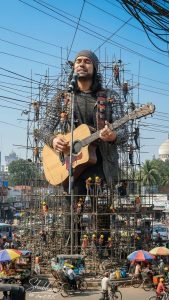
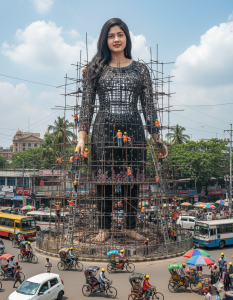
How To Create 3D Ai Stetus Image:-
You can make such 3D statues using Gemini AI. I will tell you all the steps below. Follow them carefully.
- Below you will see a create image button, click on it
- Now you have to sign up with your Google account.
- Now you have to click on the plus icon below and select your photo by clicking on media
- Now you have to copy the prompt given below the statue image from our website by long pressing it
- Now you have to paste the frame on the photo you have selected.
- Now you have to send it, your image will be made in 10 to 20 seconds
- You can click on the image and then save it by clicking on it.
How To Select Best Photo For Stetus :-
To create such a 3D statue image, the most important role is of your selected photo. If you have clicked your photo properly and your face is clearly visible, then the AI will detect your face and generate a perfect image. To select a perfect photo, you have to select a photo taken from your back camera in which there is no editing etc. or else it should be a selfie given using a filter. If you generate such an image using any of your selfies, then your image will not be generated perfect. Therefore, my suggestion is that you people use only the photo taken from your back camera. The face should be clearly visible. It does not matter what the pose is and if you generate a 3D statue image using that image, then yours will be generated in a perfect way in which your face will match hundred percent and will look completely realistic.
What Is Gemini Ai :-
Gemini AI’s new “Nano Banana” image generation feature is designed to make photo editing and AI-driven creativity more natural, powerful, and reliable. One of its biggest upgrades is character consistency – if you upload a person’s photo and ask for new poses, outfits, or backgrounds, the face and core details stay exactly the same without distortion. Another major feature is multi-image blending, which lets you combine two or more photos into one seamless, realistic scene, like merging your pet with a new location. You can change anything in it by giving a normal command like change the background of this image, change the pose of this image, that is, whatever you say, it will edit your image accordingly.To ensure trust, every AI-generated image now comes with both visible watermarks and invisible SynthID digital tagging, so viewers know the content was created by AI.
More Ai 3d Model Ai Photo Editing:-
If you also want to make such Instagram trending virus ai 3d model image, then I have written an article about it for you and have also told all the steps using which you can generate such images and I have also told you image to video in it, so that you can make any of your normal videos into image to video in a very easy way, you will find a button below, you have to click on it, as soon as you click on it, that post will open and there you have been told all the steps and prompts and the method of generating the image.
Conclusion :-
So I have told you guys the entire process of generating such an ai statue image above, how you can create such an image for free, I have also told that and also proper guide of all the steps, if you follow them, then you can generate such 3d ai statue image without any problem and can also upload it on any of your social media platforms, if you have any problem in generating such an image, then you can message us on Instagram, you will be helped or you can also comment on this post, you will get a reply on the comment as well, so if you want, make such photos and post them on your account, put a story and it goes viral, thanks for reading this post.