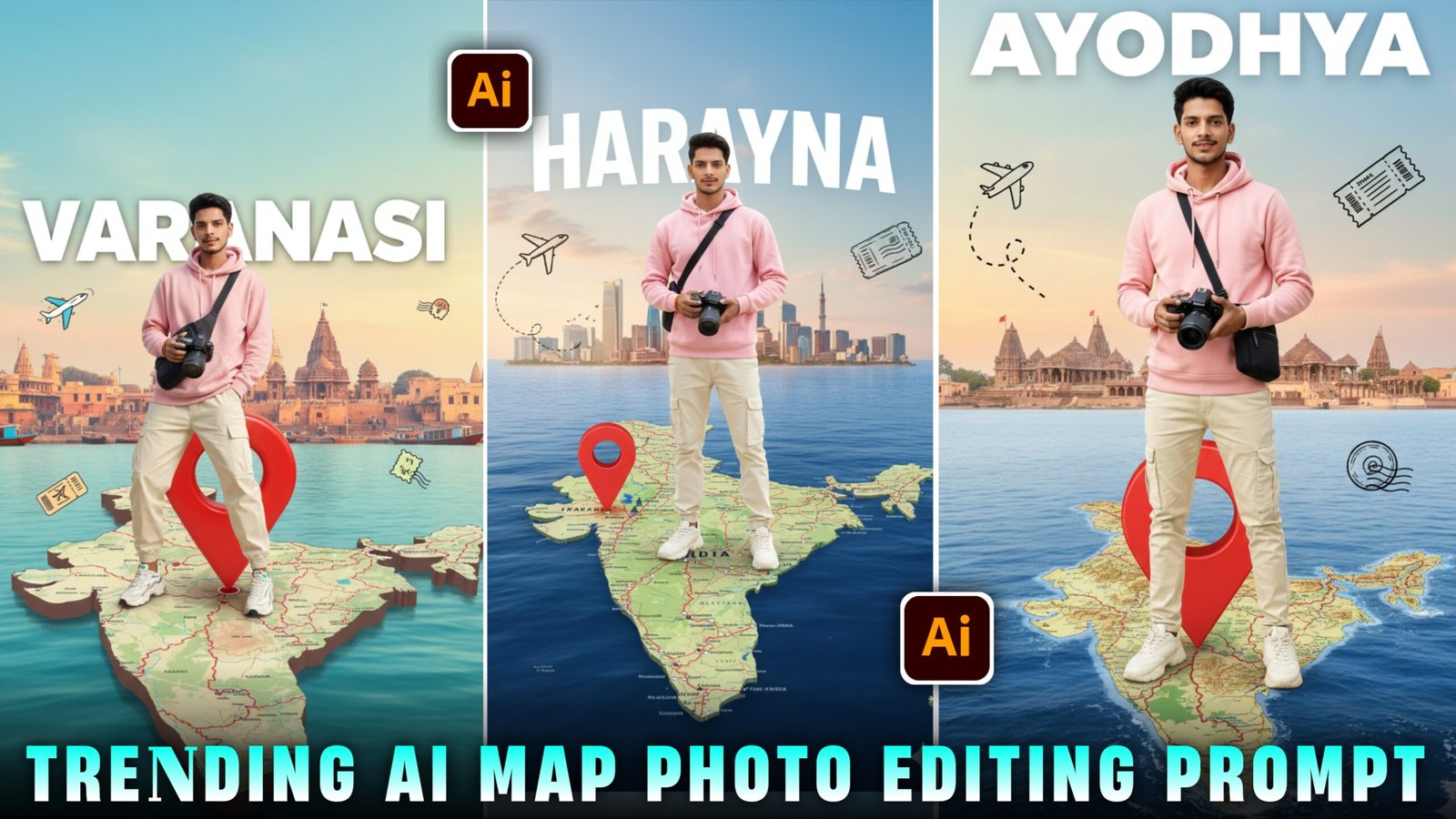
So friends Today I will tell you how to create Instagram trending maps photo which is the easiest and it is very trending these days. And there will be every chance of this going viral. And people are building it rapidly. And you can stand on a map of your country that looks completely realistic and you can just get there with a prompt. You just have to follow the steps given by me and read the article carefully and attentively. And you must also know this thing that if you follow any trend then your reel goes viral because that reel gets shown in everyone’s feed, whenever you show the reel, it will definitely go viral.
Details Google Gemini Ai Map Photo Edit :-
In this you can also create maps of different states and you will stand on that map and it will take your photo to the next level. If you want to do such editing like in PicsArt app, then you can do it first. You need a background map of the district that is to be made, after that you will have to remove and delete the photo that you want to add and it will work only if you have a full photo and there will be many such problems But if you create the same prompt using this, then you will just have to copy and paste the prompt and I will tell you step by step how to do this below. But you will remain in the article.
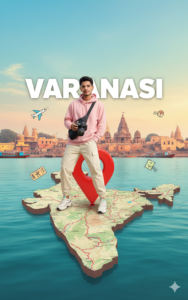
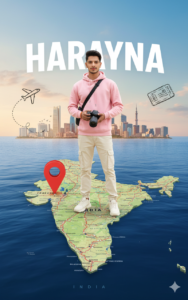
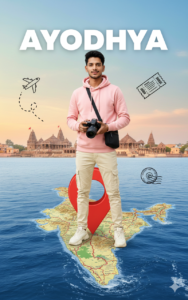
How To Create Image :-
Now, to create such images, I have explained it to you in a very easy way below. Just follow the steps mentioned
- First of all, you have to click on the create image button.
- And you have to login with your Google account.
- And below you have to click on the plus icon and upload your selfie photo
- Now you have to copy the prompt I have given above.
- Then you have to paste the prompt in the text below
- Now you have to send it.
- Your image will be ready.
- Now you have to download it by clicking on your image
How To Select Best Photo:-
So friends, if you want that the image you create looks absolutely realistic, I know that many people do not create such type of image because their face does not match.But don’t worry, I am telling you what you should do, make your face match exactly, if you want your face to match 100% then you can use your selfie photo. To create such an image because the AI detects selfie photos very well and does not change the face at all if you do not want your face to change. You will use your selfie photo only then your face will match 100%.
Conclusion :-
So friends, I have told you everything about how you will get the prompt,how the image will be created, the whole process. If you have read the articles correctly and attentively, you will also be able to create such images. And if you quickly upload the article without reading it, you will definitely face some problem in the process of creating your image, but you have read the article properly and followed the steps given.Even then if you are not able to make such an image then don’t worry you have to go to my Instagram or YouTube, Instagram is Vmeditor01 and YouTube ID is VM Editor you have to go to any of the two. And you have to watch Map Ai Photo Editing reel or video and follow the ID and subscribe to the channel.So you too should go viral by creating such images