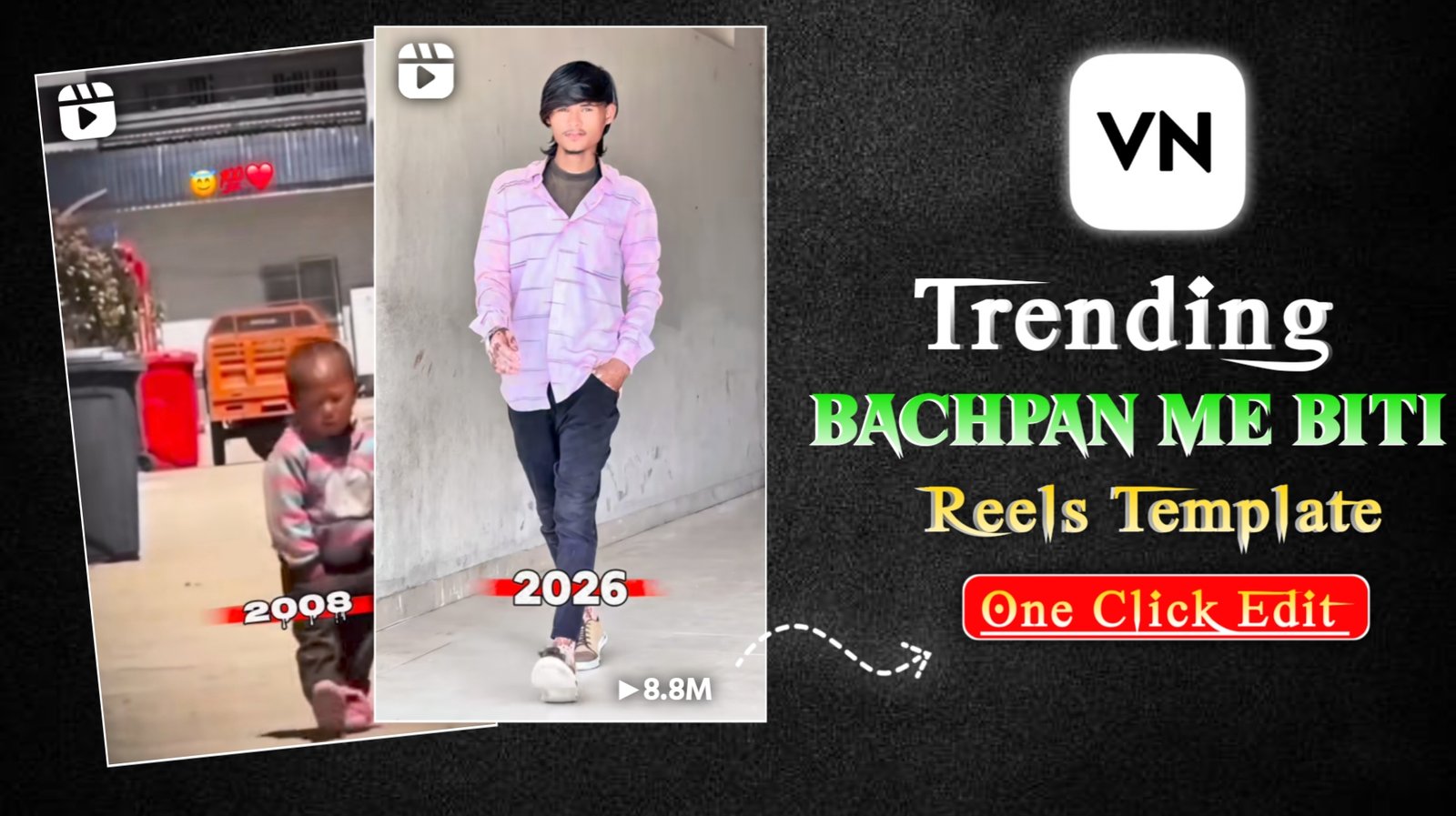
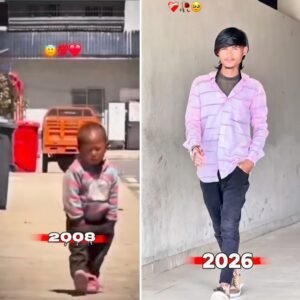
⊕Bachpan Ne Likhi Kahani Meri Reels Edit Template :- So friends, lately on Instagram, you must have seen that reels featuring the song “Bachpan Mein Beeti Kahani Meri” (My Childhood Story) are going viral very quickly. These reels show a young boy dancing, followed by a video clip of what you’ll look like in 2026. It looks really cool, and these reels are going viral. So, in today’s article, I’m going to give you a template to edit this type of video. Using this template, you can edit such videos in just one click. Since this trend is currently going viral on social media, the sooner you create and upload such videos to your social media platforms, the higher the chances of your video going viral. So, let me give you the VN code below for editing this type of video and explain all the steps and processes you need to follow to create such a video.
Details Bachpan Ne Likhi Kahani Meri Reels Edit Template
So friends, you all know that on Instagram, one trend ends every day and another trend emerges, and that trend also goes viral very quickly. Currently, the “Bachpan Ne Likhi Kahani Meri” song trend is going viral rapidly, and everyone wants to participate in it. Many boys are making these videos because it features a different boy at the beginning, and then their own video clip appears at the end, which looks quite good. It showcases their childhood memories. Many other people are also creating similar videos. Regarding the details of this viral trend, people are showing their transformation, how they looked in 2008 and how they look in 2026. You can easily create such videos using a template. If you want to create such a video yourself, it might take you 15-20 minutes, and you would need editing skills. But if you don’t know how to edit, I’m going to give you a template that will allow you to create such a video with just a few clicks.
How To Use This Template:-
First of all, you have to download the scanner by long pressing it and then carefully follow the steps I tell you below.
- Open VN App Download From Play Store
- Now in Vn App you will see a scan option at the top, scan the vn code there
- Now you will see the option to download, then you will see the option to use the template, click on it
- Then you have to select your photo
- Then all you have to do is the video will be ready, now your Video have Export it.

What Is VN App :-
Vn Video Editor is a video editing app that lets you edit any type of video. You can split a video, apply transition filter effects, and add text.And in this you can also add audio, there are options for stickers etc. and there are all the other features which you can use to edit your video.And in this you can use a lot of templates, you also get templates in it which have a VN code.I have already provided you guys with VN code, using which you can edit any type of video in just one click through VN code.And editing with this application is also very easy, many people use this type of application a lot.
Conclusion :-
So today I have given you guys a template to edit the video in this way. And using the template, you can easily create such a reel in just one click. a And all the steps have also been explained, if you follow them then you can do it without any problem, so meet you with some other new post.