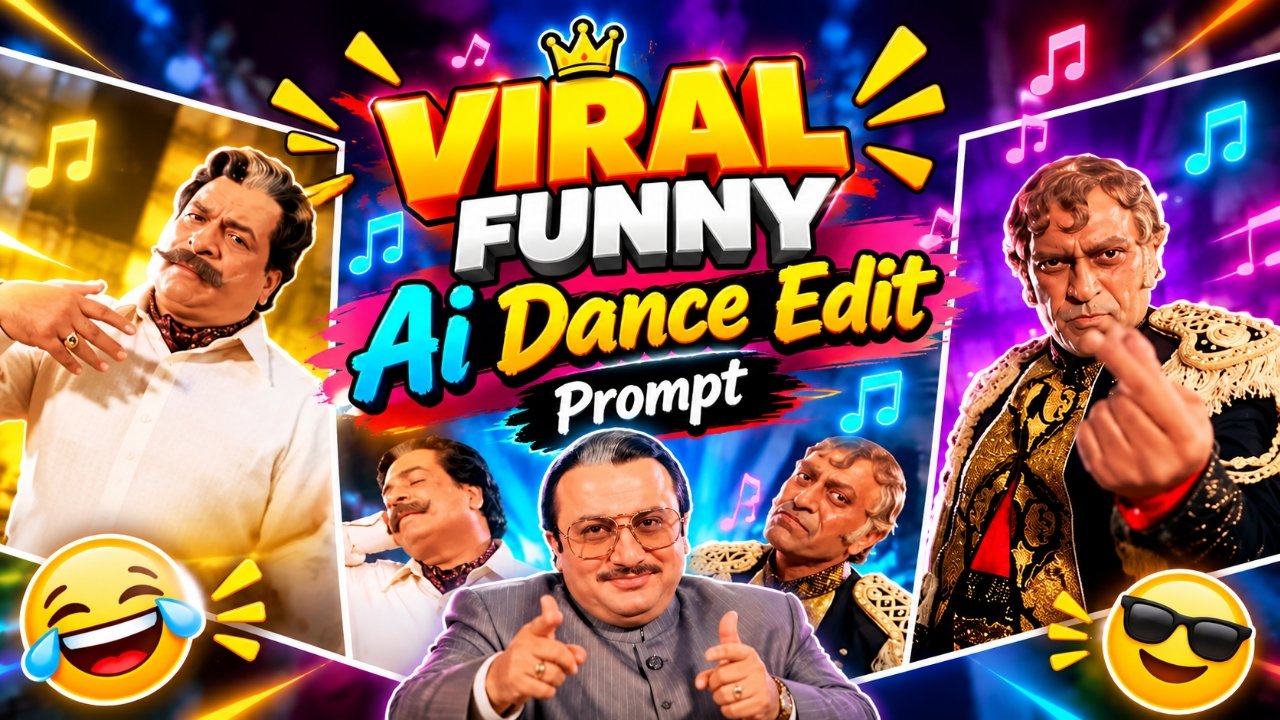
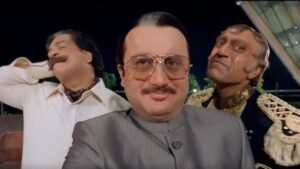
Viral Ai Funny Dance Reels Edit:- So friends, you might be seeing viral funny dance videos like this on Instagram right now. In this frame, three people are in a single frame, each moving differently. One dances one way, the other another. These videos are currently going viral. Such videos are getting millions of views, and people are also making videos with celebrities. They’re creating reels of celebrities and posting them on their social media platforms, which are getting millions of views. People are also using simple photos of themselves to create viral funny dance videos with their friends or celebrities, which look quite good and are also getting millions of views. So, if you’re thinking of making a video like this, you can too, and in a very easy way. How to make it, let me tell you the entire process of making this video step by step in today’s article.
Details Of Viral Funny Dance Reels Edit
If I were to discuss the details of this viral Funny Dance AI video, you know that every day, new trends emerge on social media related to video editing, whether it’s photo editing or video editing. So, this Funny Dance video is currently going viral. It’s a bit unique because it shows the song, the movements in it, perfectly synchronizing the video. You can create it exactly the same with the help of AI. You don’t even need to shoot a realistic video yourself. And most importantly, if you create it using a celebrity’s image along with your own photo, that video will also go viral because it will appear as if they’re actually there, right next to you in your camera. And even watching this video, it won’t look like AI; it will look completely realistic. So, how to create it is very easy, and you can create it completely free. You’ll find many paid tools, but with the help of Google Flow AI, you can create such videos using just a simple prompt, your reference image, and reference video. Let’s show you how to create one.
How To Find Parfect Pic For Crete Viral Dance Ai Video
So, for making such a funny dance video, it is most important to use a perfect photo of yours. Also, if you want to make it with a celebrity or with your friends, then how do you select the perfect photo for that For that, first of all, you should use a photo taken from any of your front camera or back camera in which your face should be clearly visible, should be visible and the photo should not be from too far away. You can use a similar photo of your friends as well. If you want to make a photo of a celebrity, then you can use their photo as well. If you do not have their photo, then you can also download their image by searching on Google or through Pinterest app, you will get the photo of any celebrity or influencer, creator, from there also, you can use their image using which you can make the video.
Download Refrence Video Clip
So, to create such a video, you’ll first need to download the reference video. To download the reference video, click the “Download Reference Video” button and you can download the reference video from there.
How To Create Viral Ai Dance Video
Let me show you some simple steps below on how you can create these viral AI dance videos completely for free. By following these steps, you can easily create such videos yourself.
- First, you have to click on the Create Your Video button, and from there, click on New Project.
- Then, you have to click on the Plus icon, and from there, click on Upload Image. Using the upload option, upload your image and reference video here
- Then, you have to select your image and reference video, and paste the prompt that you copied here.
- Then, click on Adjust, and select the ratio of 9:16 or 16:9 from the settings. After that, set the duration to 10 seconds.
- After that, click on Send here. Your video will be generated in just a few seconds, and you can save it.
What Is The Google Flow Ai
What exactly is Google Flow AI? Let me tell you a bit about it. Google Flow AI is an AI-powered video and image platform from Google. You simply provide a text prompt, and it generates a video based on that text. Additionally, if you upload a reference video or image, it can create content that aligns with that reference. You can use this tool to produce cinematic or viral-style videos for platforms like YouTube, Instagram, Facebook, and other social media channels helping you tap into the latest trending content. As for how it works: you enter a text prompt for example a boy dancing in a cinematic scene and the platform converts that into a video. The website is completely free to use, allowing you to generate about five to six videos per day; if you have multiple accounts, you can even switch between them to create more.
Conclusion
So friends, in today’s article, I’ve shared with you a completely free method for editing this type of viral funny or dance video. With this method, you can easily create these funny viral dance videos with your own image, any celebrity, or even with your friends, which will look incredibly realistic. These videos are currently garnering millions of views on social media. So, if you make videos like this as soon as possible and upload them to your social media platforms, your video also has a chance of going viral. So, go ahead and make videos like this, and we’ll meet you again with another trending topic.