
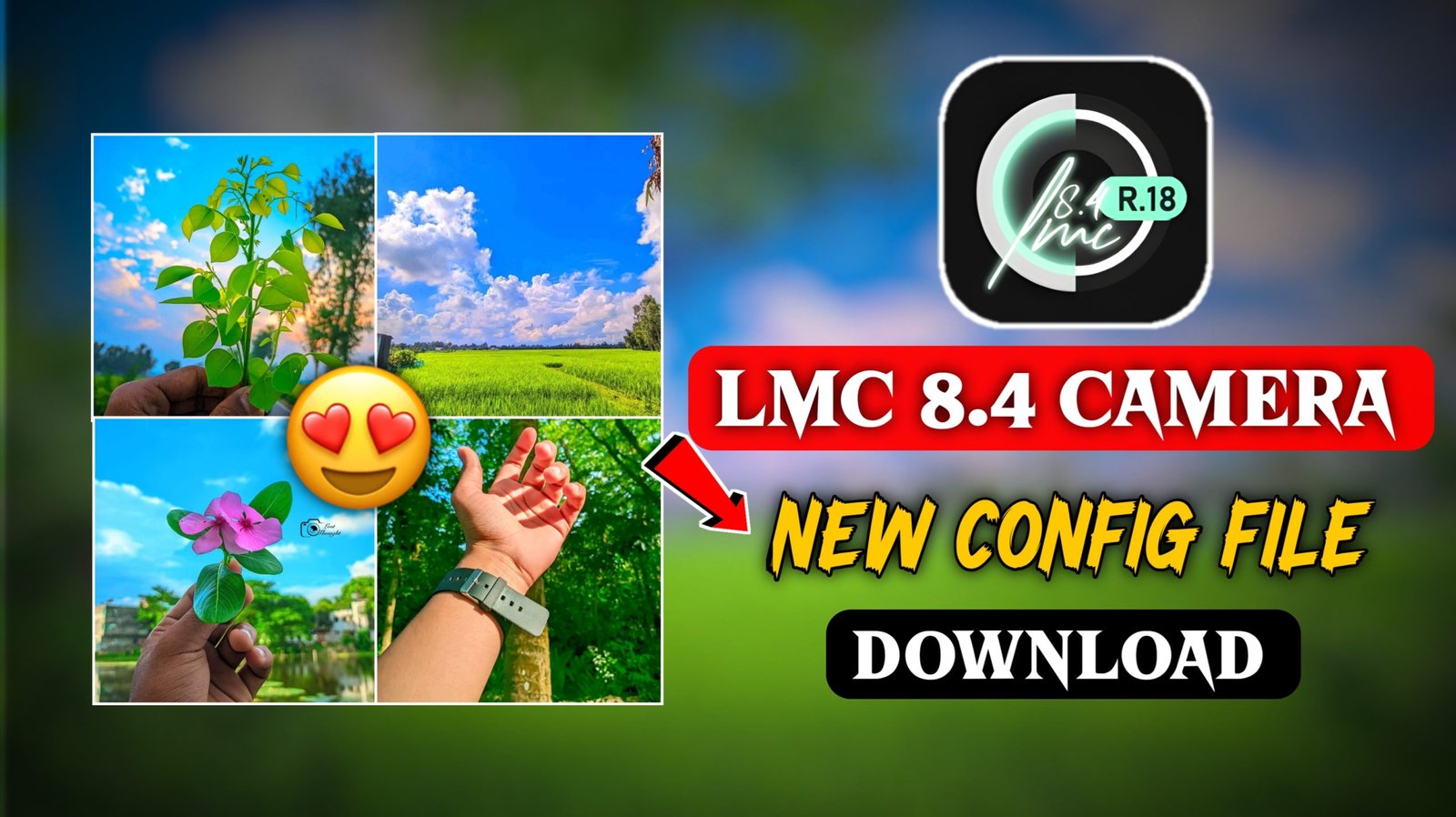
LMC 8.4 App Set-up & Config file Download – So Friends In today’s article, I am going to tell you about a best MC camera app which will work hundred percent in every phone and along with that I will also tell you to download the latest config file, using which you can click more than one photo of nature and you will also click your photo in a very good way, which will look very attractive and good as if it has not been taken off from the phone, the photo will look like an iPhone photo or a DSLR of a room, but this camera does not work in many people’s phones, such people comment that when we open the app, a black screen comes, it immediately closes up automatically and leaves us on the home screen, if you are facing this problem, then I will also give its solution in this article, so that you will not face this problem and it will work hundred percent in all devices, so you just have to follow the process steps that I tell you, your problem will be hundred percent cleared, so just read the article below carefully.
Why People using LMC for Mobile Photography?
LMC Camera is Google’s camera using which you can click a high quality picture. If you click a photo with your phone’s normal camera, but the color grading, background and lighting etc. are not correct in it, due to which your photo looks very bad. But if instead of this you click your photo using lmc camera using a config file xml, then your photo will have a green lighting background and the photo will be clicked in HDR quality which looks attractive. It seems as if the photo has been clicked from an expensive phone i.e. iPhone and that is why users use it a lot and search for it and the quality of your photo also gets enhanced with it.
How to Set-up the LMC App and Config/XML files:-
To setup LMC app and XML, I will tell you some steps below, follow them.
- First Download The App Config File
- To download the config file, you can do it from my WhatsApp or Telegram channel, I have given the link below
- And you need to download the config file.
- Now you have to open the file manager on your phone.
- Then extract the zip file you downloaded
- Select all the XML files in it, then click on the 3 lines and then click on move and move it to the LMC 8.4 folder
- Now you have to open the LMC app
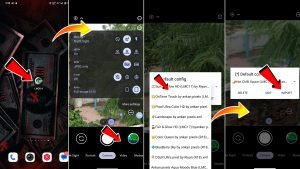
- In LMC camera, you have to click twice just next to where you click the photo
- Now all the XML will be shown there, select the preset you like
- then click on import
- And now click on your photo, that preset will be applied to your photo
- Now compare the image with your default camera app—you will notice better clarity, detail, and overall quality.
Two Ways to Download GCam & XML Files:-
- The first way is for those who use Telegram
- The Second way is for those who do not use Telegram
LMC Camera Automatic Close Problem Solved:-
If the lmc camera is closing automatically and bringing it to the home page, then first of all you have to long press on the app and do force close and also clear storage and clear cache, then you have to open the app and select the XML, but select any other XML, scroll down a little and you will see that the problem of automatic close will be solved and you will be able to click your photo in a good manner, if you still need any editing tutorial, I have uploaded it on the youtube channel VM Editor, you can go and watch it.
Conclusion :-
So I told you guys about the best photo shoot lMC camera and how to setup the config file, using which you guys can click very good photos of nature and yourself like the filters of iPhone, so you guys must have understood how to do it.