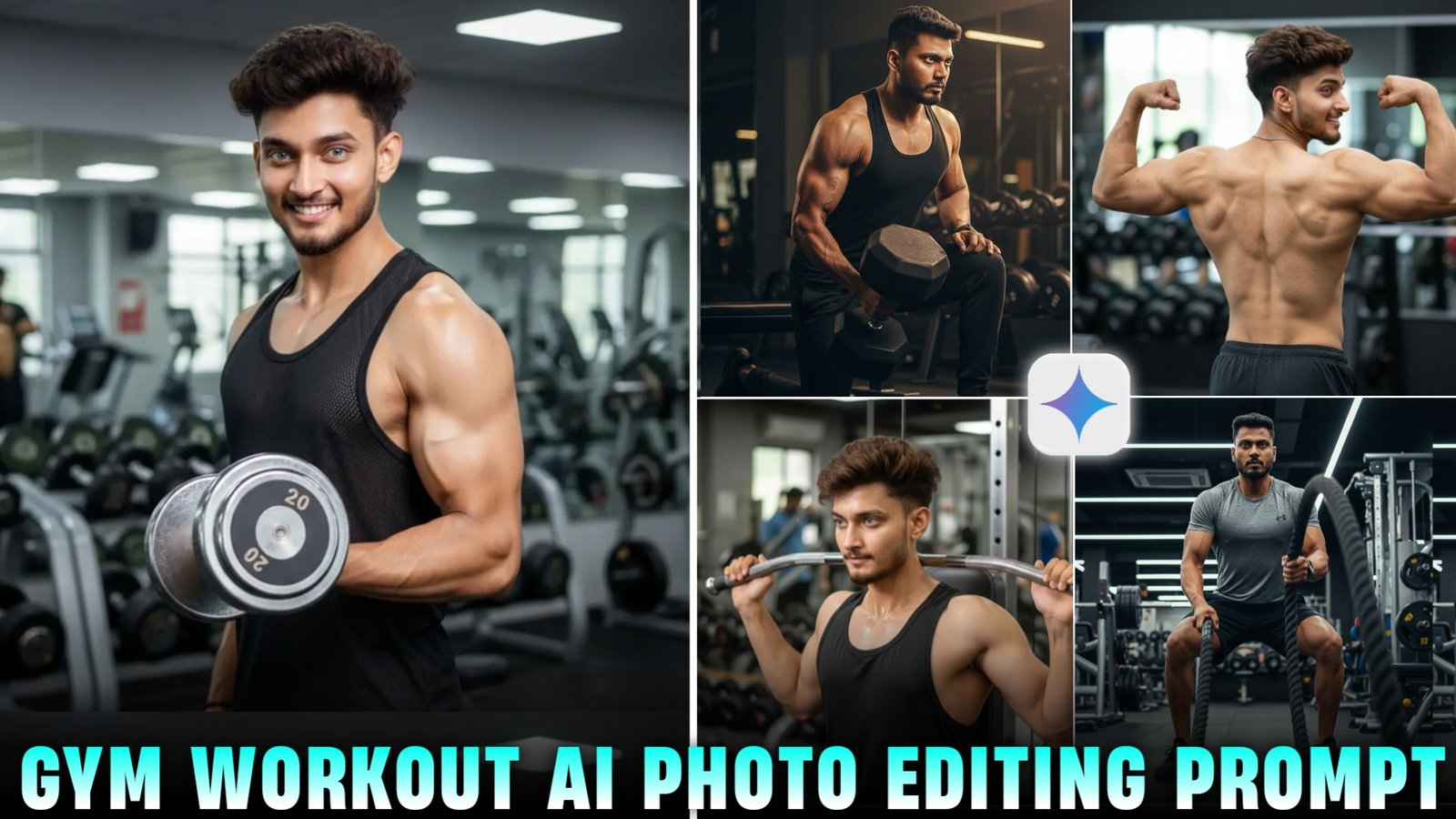
Google Gemini Gym Ai Photo Editing Prompt -So friends, if you also go to the gym and want to click a perfect photo of yourself, but you are not able to click a perfect photo in the gym because the lighting there is not good due to which our photo cannot be clicked professionally, then in today’s article, I will tell you how to generate such a professional photo using grounded AI through a prompt, so that you can generate such an image in different poses and styles using a normal selfie of yours, which will look absolutely realistic, it will not only create an image generated by AI, I am going to tell you everything in this article and will also give you a prompt to create such an image.
Details Google Gemini Gym Workout Ai Photo Editing Prompt
Listen, the gym edit I’m about to show you is on a completely different level. It doesn’t matter whether your original photo is from the gym or just a normal picture from home that part honestly doesn’t matter. Because you already know how gym photos usually are: the lighting is bad, angles are weird, and no matter how hard you try the picture never comes out the way you want. I’ve been there myself. And unless you hire a proper photographer, most pictures just don’t hit on Instagram. But this one This one is going to blow up. Even professional photographers won’t be able to tell it was made with AI and neither will anyone else. It’ll look completely natural. I’ll also tell you exactly how you can generate this kind of photo with AI. But before that, you need to know what kind of original photo you should use. Should it be a gym pic? A casual photo at home Something else Don’t worry I’ll break everything down clearly.
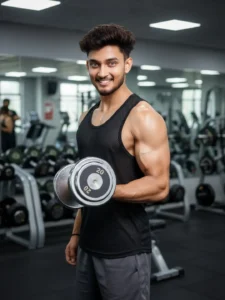
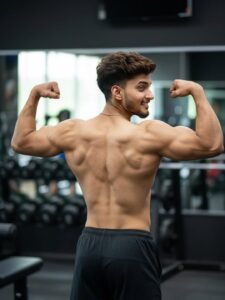
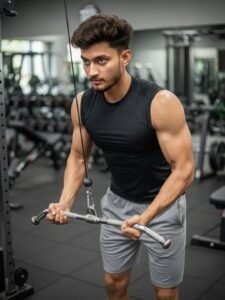
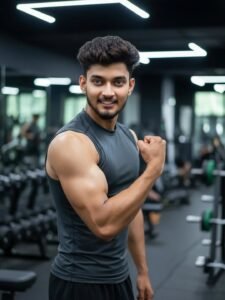
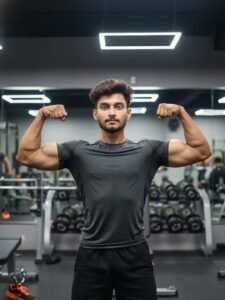
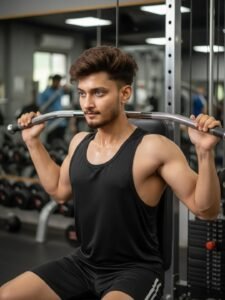
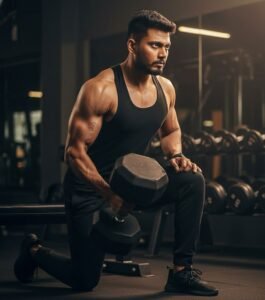
He is wearing a black tank top, black sweatpants, and black sneakers. His dark hair should appear slightly tousled, and his beard and mustache neatly groomed. His expression shows intense focus and determination, with visible veins and musele definition emphasizing strength and effort. The gym environment should include realistic equipment dumbbells. benches, racks, and blurred background details-giving a sense of depth and authenticity. The camera angle is slightly to the right and at chest level, focusing on the man’s upper body, arms, and facial expression. The lighting should be warm and directional, coming from above and slightly from the side to highlight the contours of his muscles, casting soft, dramatic shadows that enhance reallam. Ensure the face remains 100% identical to the attached reference photo no chuurges to features, proportions, or expression capturing the same person’s likeness naturally.
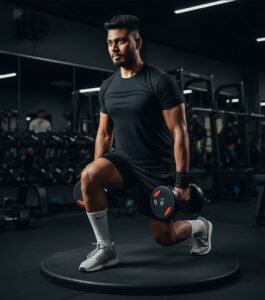
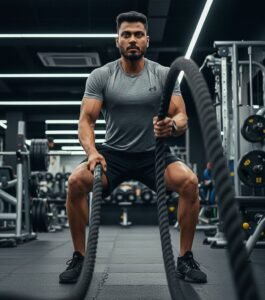
How To Create Gym Ai Images
So, to edit such a gym photo, I will tell you some steps below. If you follow them, you will be able to create such an image very easily.
- I have given you the prompts above, you have to copy the one which you like.
- Now you have to click on the Create Image button below.
- Now you have to upload a selfie image by clicking on the plus icon below and paste the prompt and send it.
- Your image will start generating in 2 to 5 seconds.
- Click on the image and then click on download and download it. Your image is ready.
How To Create Parfect Gym Workout Pic
Conclusion
So friends, above I have told you how to edit this type of viral gym photo, in which I have also given you many prompts, using which you will be able to create such images.And if you face any problem in creating such an image, you can also comment.But as far as I think, you will not face any problem in creating such an image because I have explained all the steps to you very well.