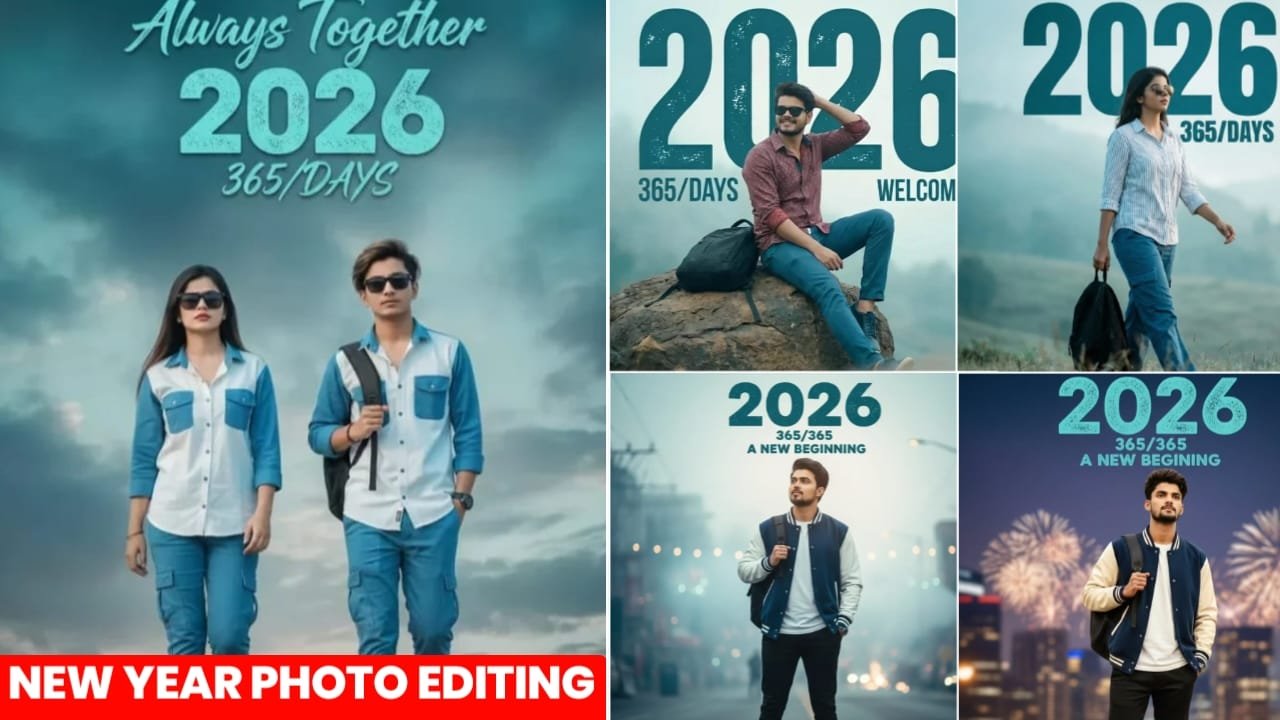
Google Gemini Happy New Year 2026 Photo Editing Prompt :- So friends, 2025 is about to end, with only a few days left. Currently, 2026 Welcome Happy New Year photo editing is rapidly going viral on Instagram and other social media platforms. People are making such photos and mentioning or posting them on their social media platforms and stories, which look very attractive and beautiful. Many people want to take such photos. In today’s article, I’m going to show you how to edit this type of photo in just one click. The entire process and steps you’ll need to edit such a photo will be explained in this article. Girls are also making such 2026 Happy New Year photo editing, boys are also making them very quickly, and couples are also making such photos. So, no matter who you are, you’ll find all kinds of prompts in this article, in different poses and different styles. He explains everything in detail, step by step, and also provides solutions to all the problems. Just pay close attention to this article.
Details Happy New Year 2026 Photo Editing Prompt
So friends, if we talk about 2026 Happy New Year photo editing, you must be aware that the current month is November and it is on the verge of ending. Meanwhile, people are already uploading such Happy New Year photo editing and these photos are going viral very fast. If you edit such a photo yourself, it may take you 20 to 25 minutes. However, at present, using AI tools, you can create such a photo in just one click within a minute through just one prompt. You just have to upload a normal selfie photo in which your face is clearly visible and paste the prompt I give you, which will generate your viral image and your face will also match it completely. You will also be told the complete trick for this in this article.
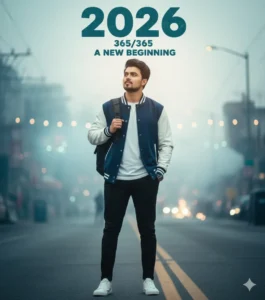
A cinematic portrait of a 25 year old man,standing one hand in his pocket and the other holding the strap of his backpack, looking slightly upward as if embracing new possibilities. Wears varsity jacket, white Tee, tapered black joggers, and clean white sneakers. Above him, large stylized text reads: “2026” in a bold, slightly distressed teal font, with smaller text below: “365/365” and “A NEW BEGINNING”. Cinematic photography style, highly detailed, soft lighting, dreamy atmosphere, New Year.
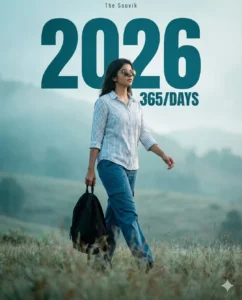
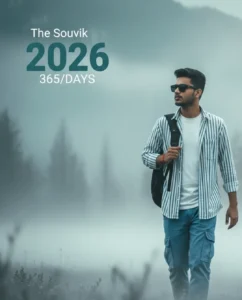
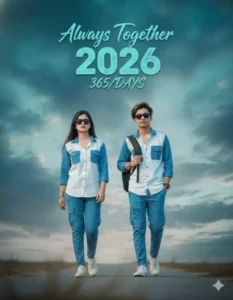
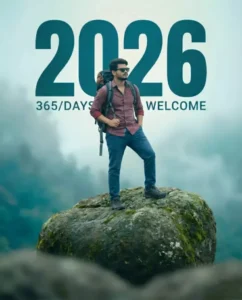

How To Create Happy New year 2026 Photo
So friends, to edit such 2026 Happy New Year photo, I will tell you some steps below, you should follow them and you will be able to create such image in a very easy way.
- Above I have also given you a prompt below the image, you have to copy whatever you like.
- Then you have to click on the Create Image button below.
- Now you have to click on the plus icon there and upload your selfie image.
- Now you have to paste the from as well and then send it.
- Now you have to wait for 1 minute, your image will be created and ready, simply click on it and save it.
How To Select Parfect Photo For 2026 Photo Edit
So, to edit such a Happy New Year photo, it is most important for you that your face should be a complete hundred percent match, but in some conditions your face may not be a hundred percent match, the reason for this is that you people do not upload your correct image, due to which the AI is not able to detect your face and does not create a perfect image, so for this what you have to do is to use one of your selfie images to create such an image or you have to use such an image in which your face is completely clear, absolutely real and it does not matter what the background of your photo is, just your face should be completely clear or else you can immediately open your camera and click a photo and upload it, if you have a photo taken from your back camera and upload it, then your face does not appear completely clear in it, if it is clearly visible from a little closer then you can also use that photo and you will get a hundred percent face in the result.
Conclusion:-
In today’s article, I have given you such viral prompts to edit 2026 Happy New Year photos, using which you can make such photos in a very easy way and I have also explained all the steps and I have also told about hundred percent face match. If we follow the trick given, then your face will also match completely and you can also make such photos in a very easy way, so perhaps you people must have understood everything well.