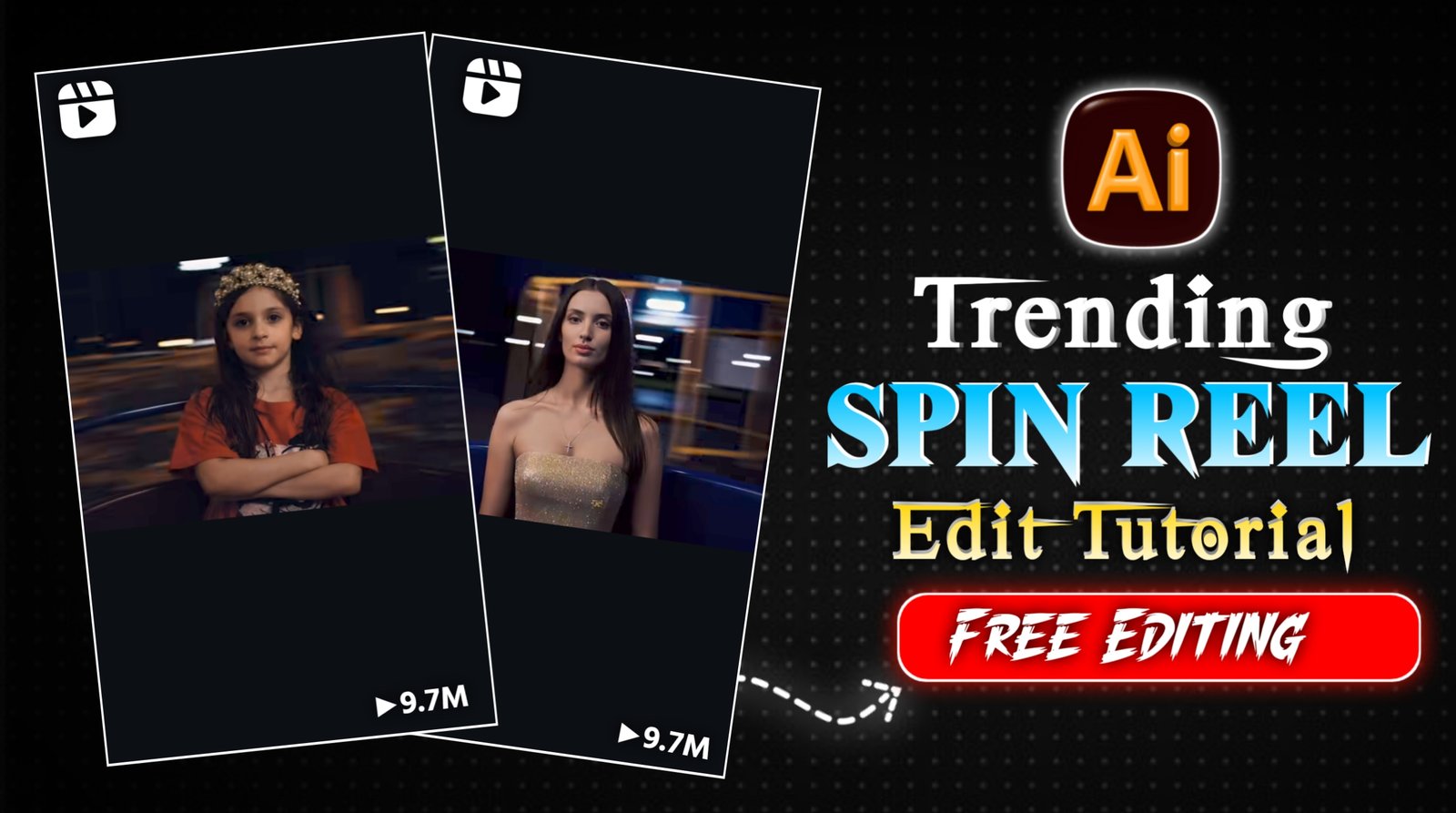
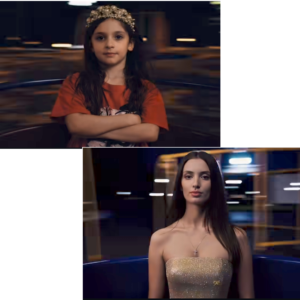
Swinging Reel Trend Tutorial:- So friends, at present, this type of reel is becoming very viral on Instagram, in which there is a childhood photo of a boy or a girl and he is rotating round and round. Then there is the current photo of the boy or girl in which she is also roaming, so this reel has millions of views and lakhs of likes.And everyone wants to make such a video because it shows their life from childhood to youth. So you can also make such videos, that too absolutely free, in just 2-5 minutes.So in today’s article, I am going to show you how to edit such a viral reel and also give you the prompts to use in it, so just read the article carefully.
Details Swinging Reel Trend Tutorial
If we talk about this kind of viral trend, this type of video is going viral, and you know that whatever is trending on Instagram, if you take advantage of it in time and create a video, your video will go viral 100%. This video is currently very popular. If you want to create this type of video, then in today’s article, I will tell you step-by-step how to create this type of video, including the prompt and the creation process. So, you just need to read this article carefully to understand everything. And to create such videos, I will tell you a completely free method in this article, using which you can create this type of video absolutely free. And if you post such videos on your social media platforms, your video will also go viral.
How To Create Viral Video:-
You can create videos like this using Grok AI. I’m going to explain the simple steps below; you need to follow them carefully to be able to create the video.
- First, install the Gok App from the Play Store. Open the app and start by selecting your childhood photo. Paste the prompt and let the image generate. Choose the best result and download it.
- Next, tap on Imagine, then select + → Animate Photo. Choose your AI-generated childhood image, paste the same prompt again, and generate the animation. Once the video is ready, download it.
- Now, follow the same process with your current photo. Select your current picture, paste the prompt, generate the image, and download the best result.
- Then again go to Imagine → + → Animate Photo, select your current AI image, paste the prompt, and generate the animation video. Download it once ready.
- Finally, open any video editing app, add both videos, adjust their size, mute the original audio, add a trending song, export the video, and post it on Instagram.
Conclusion
So friends, in this article, I have explained the prompt and all the steps for editing this type of viral video, step by step. Using these steps, you can create such videos completely free of charge. I’ve also given you all the tips, and if you’ve already created such a video, then go ahead and upload it with any trending song, and your video might go viral too! See you with another trending topic. Bye!