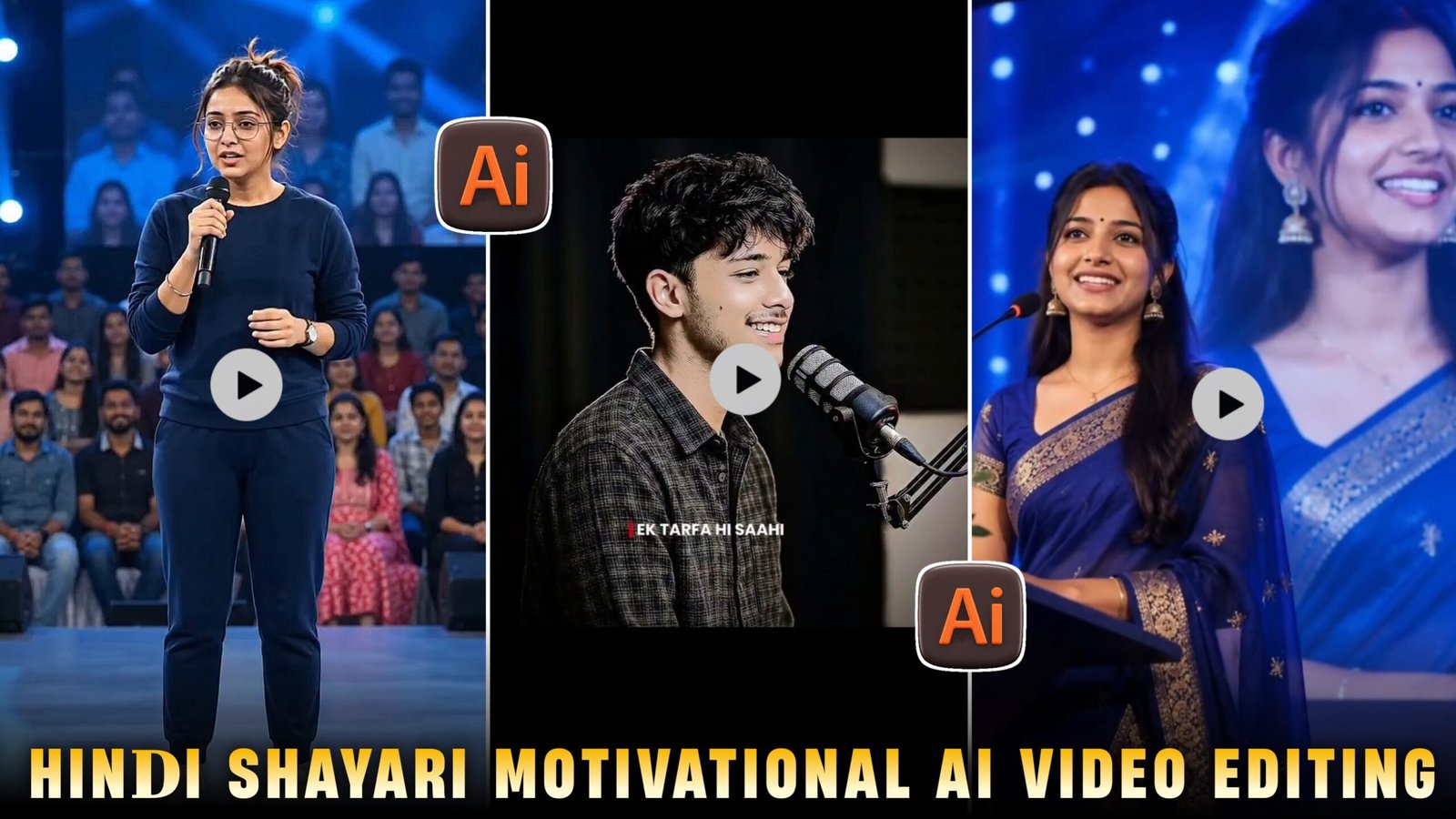
So friends, right now the poetry reels that have come up all over Instagram are trending a lot. A few days ago, Nagpuri poetry was in trend which only the people of Bengal could understand, but now Hindi poetry is in trend.Which looks very good and seems real and more people are making Hindi Sad Shayari and people are also liking to see it because most of the people in India use Hindi language only. And you can make such Hindi Shayari by using your own photo in it which will look completely real and you can make it of your GF, BF, friend or sister and impress them and there is a total of less AI in it.You have to first generate an image, then a video and I will tell you this whole process step by step.
Details Trending Ai Hindi Sayri Video Edit :-
So, if you want your AI *shayari* video to go viral, now is the best time to do it because this topic is currently trending—and videos usually go viral only when they are part of a trend. This happens because trending videos appear in everyone’s feeds and are suggested to users, significantly increasing the likelihood of them going viral. Just follow the steps I’ve outlined, read and understand this article carefully, and don’t delay in capitalizing on this trend; otherwise, it won’t go viral. You will need to use ChatGPT to generate the photo—since ChatGPT offers excellent image quality—and then I will show you how to generate the video. I will explain how to do all of this for free; just follow my steps and carefully read and understand the provided article so you can create these trending, viral AI Hindi sad *shayari* videos. Now, I’ll provide the prompt below for generating the photo.

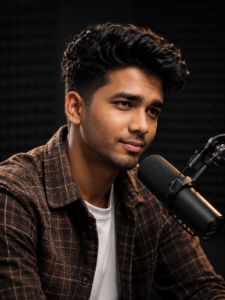
How To Create Image :-
Now, to create such images, I have explained it to you in a very easy way below. Just follow the steps mentioned
- First of all, you have to click on the create image button.
- And you have to login with your Google account.
- And below you have to click on the plus icon and upload your selfie photo
- Now you have to copy the prompt I have given above.
- Then you have to paste the prompt in the text below
- Now you have to send it.
- Your image will be ready.
- Now you have to download it by clicking on your image


How to Create Video:-
- Now after logging in with your Gmail, you have to click on New project.
- Now after logging in with your Gmail, you have to click on New project.
- And after selecting the video, select Omini Flash Fast, then paste the copied sayari and add the photo and send it.
- And you have to remove the frame and select the independent option.
- Now your video will start getting created and in a short while your video will be created and ready.
- Now your viral video will be ready and you make your video viral by uploading it.
How To Fix Face Change Problem :-
See, if it is your photo or video, if your face is not matching and you are worried, then there is only one solution for it and that is if there is no change in your photo when you If you make a video from an image, it will not happen in that also. If you want, the face should not change in the photo, when you use Chatgpt or Gemini or any other AI lock, when you use any of your normal photos. The biggest step is that you will generate a photo using any AI tool using the selfie photo, then your face will also be correct in the photo. Change will happen
Conclusion:-
So friends, I have told you everything, how to make an image, how to make a video, if you have followed my steps then I hope you too can make such trending Hindi Shayari.In this you can use your photo or make a completely realistic paper of your brother, sister, friend, girlfriend or anyone.If you miss any step, then when you go to create it, you will definitely face some problem somewhere, you should go and create it and go viral