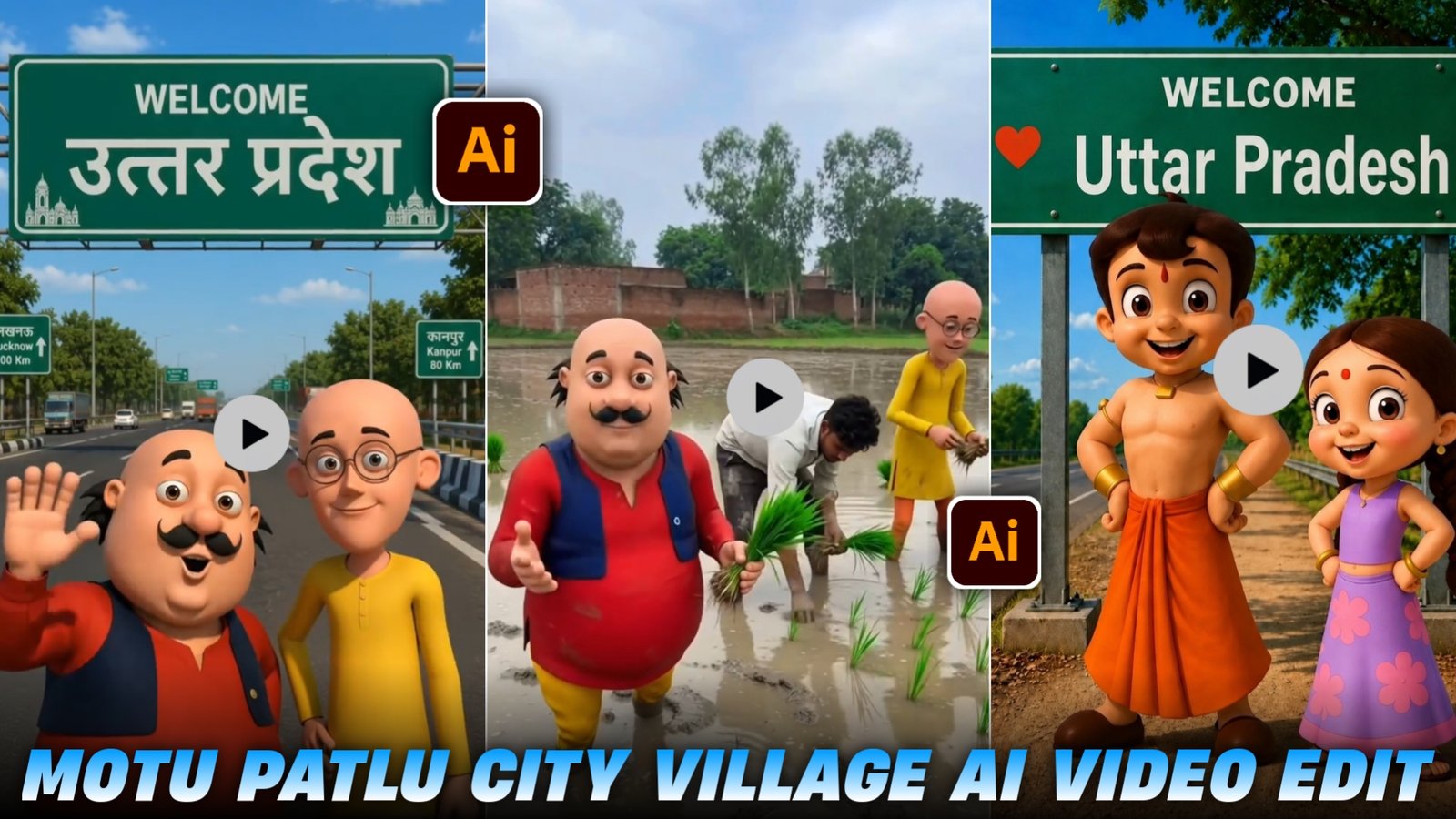
Motu Patlu Aapna City Village Ai Video Edit – If you are active on social media, you might have noticed that reels featuring “Motu Patlu” in village and city settings are going viral rapidly on Instagram. Many people are even creating “Motu Patlu” vlog-style videos. As you know, “Motu Patlu” is an immensely popular cartoon series enjoyed by people of all ages; it is truly entertaining to watch. Personally, I used to watch it a lot because the characters are amusing, their dialogues are great, and the storylines are fantastic. It has a massive fanbase, which is why these videos go viral—there is a huge audience for this content. Right now, these videos are garnering millions of views across platforms like YouTube, Instagram, and Facebook, helping creators gain significant viewership and trend. In this article, I will show you how to create these videos yourself—using a method that allows you to generate them with just a single click. I will explain the entire process step-by-step, so please read the article carefully.
Details Of Motu Patlu Video Editing
You are likely well aware of the *Motu Patlu* cartoon, as it is incredibly popular. Videos featuring these characters—specifically those generated to show them in various settings like cities or villages, or even vlogging—are going viral rapidly. You might be wondering how such videos are created and if you can make them yourself. It is actually quite easy; thanks to AI, you can produce these videos in just a few minutes, and they are currently garnering millions of views on social media. If you create and upload such videos to your social media platforms, there is a 100% chance of them going viral, as capitalizing on current trends is key to success. While you might not find the creation process elsewhere, this article explains the entire procedure and provides the specific prompts needed to create these videos.
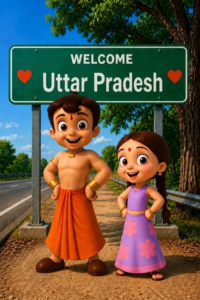
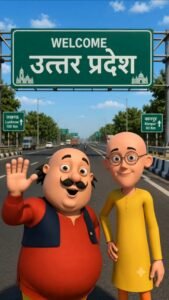
WELCOME
[Azamgarh/Uttar pardesh]
Use realistic Indian expressway details, vehicles, trees, blue sky, cinematic lighting, vibrant colors, centered composition, ultra-detailed, 8K, vertical 9:16.
How To Create Motu Patlu Image:-
So, to generate such an image of Motu Patlu, first of all you have to download the screenshot that I have attached here by clicking on the screenshot, after that you have to copy this prompt.After that you have to click on the Create Image button and here you have to upload the screenshot as you want to make it and there you have to write From and send it and in it you have to write the name of the city. You can write whatever you want there and you can also write whatever you want to be called.
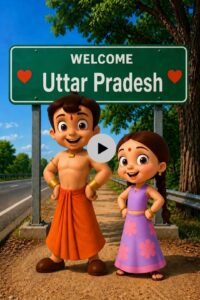
[Bheem Charcter 1] हैलो दोस्तो हम आ गये है यूपी ke Lucknow में [Chutki CHARACTER 2] अब बताओ यूपी वालों [Bheem Charcter 1] हमे आपके किस शहर या गांव में आना चाहिए कमेन्ट करो |
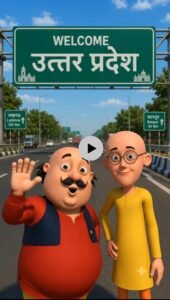
हैलो दोस्तो हम आ गये है उत्तर प्रदेश में Azamgarh VM Editor के पास [Patlu CHARACTER 2] अब बताओ up वालों [Motu Charcter 1] हमे आपके किस शहर या गांव में आना चाहिए [Patlu CHARACTER 2] कॉमेंट में आपने शहर या गांव का नाम अभी लिखो हो सकता है अगला वीडियो आपके शहर या गांव में हो
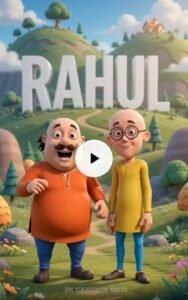
कोई बदलाव न करें। पीछे बहुत बड़े और साफ़ अक्षरों में “VM Editor” लिखा हुआ दिखाई दे। यह टेक्स्ट बैकग्राउंड का हिस्सा लगे और साफ़ पढ़ा जा सके। मोटू और पतलू अपने ओरिजिनल कार्टून लुक में बिल्कुल फोटो जैसे ही रहें। उनका चेहरा, बॉडी, कपड़े और कार्टून स्टाइल बिल्कुल न बदलें। वीडियो 10 सेकंड, 9:16 वर्टिकल, अल्ट्रा हाई क्वालिटी, स्मूद सिनेमैटिक कैमरा, नैचुरल हिंदी लिप-सिंक। छोटा ट्रांसपेरेंट सफेद “VM Editor Website” वॉटरमार्क केवल नीचे पैरों के पास रहे।
🎙️ मोटू: “चल पतलू.अब हम “VM Editor” भाई से मिलने चलते हैं! 😄”
🎙️ पतलू:”लेकिन “VM Editor” भाई मिलेगा कहाँ? 🤔”
🎙️ दोनों साथ में – अपने दोस्त “VM Editor” को टैग करो… और हा फॉलो करके ही कमेंट करना अगली आपके नाम कि बनेगी ! 😂❤️”
How To Make Motu Patlu Ai Video
So friends, to make a Motu Patlu video, first of all you will have to generate the image. I told you the process of generating the image above, now I will tell you the process of making the video.
- So, first of all you have to generate the image and whatever you want to write in it, just write the name of the city there.
- Then you have to download that image and come to the website and copy the prompt of this video here.
- Then after copying, you have to click on Create Video and from there upload the image from New Project and paste the from and take the Size of 9 * 16 and send it.
- And your video will be ready in just a few seconds and by clicking on the video you can download it and your video will be ready like this.
Conclusion
So friends, in today’s article, I have shown you how to create “Motu Patlu” videos featuring city and village settings. You can use this method to make such videos yourself. As you know, these videos are going viral on social media, so create one quickly and upload it to your platforms to help your account grow. I hope you have understood the entire process and the steps I’ve explained; if so, go ahead and create your own video. If you encounter any issues, feel free to leave a comment. See you in the next article with another trending topic.