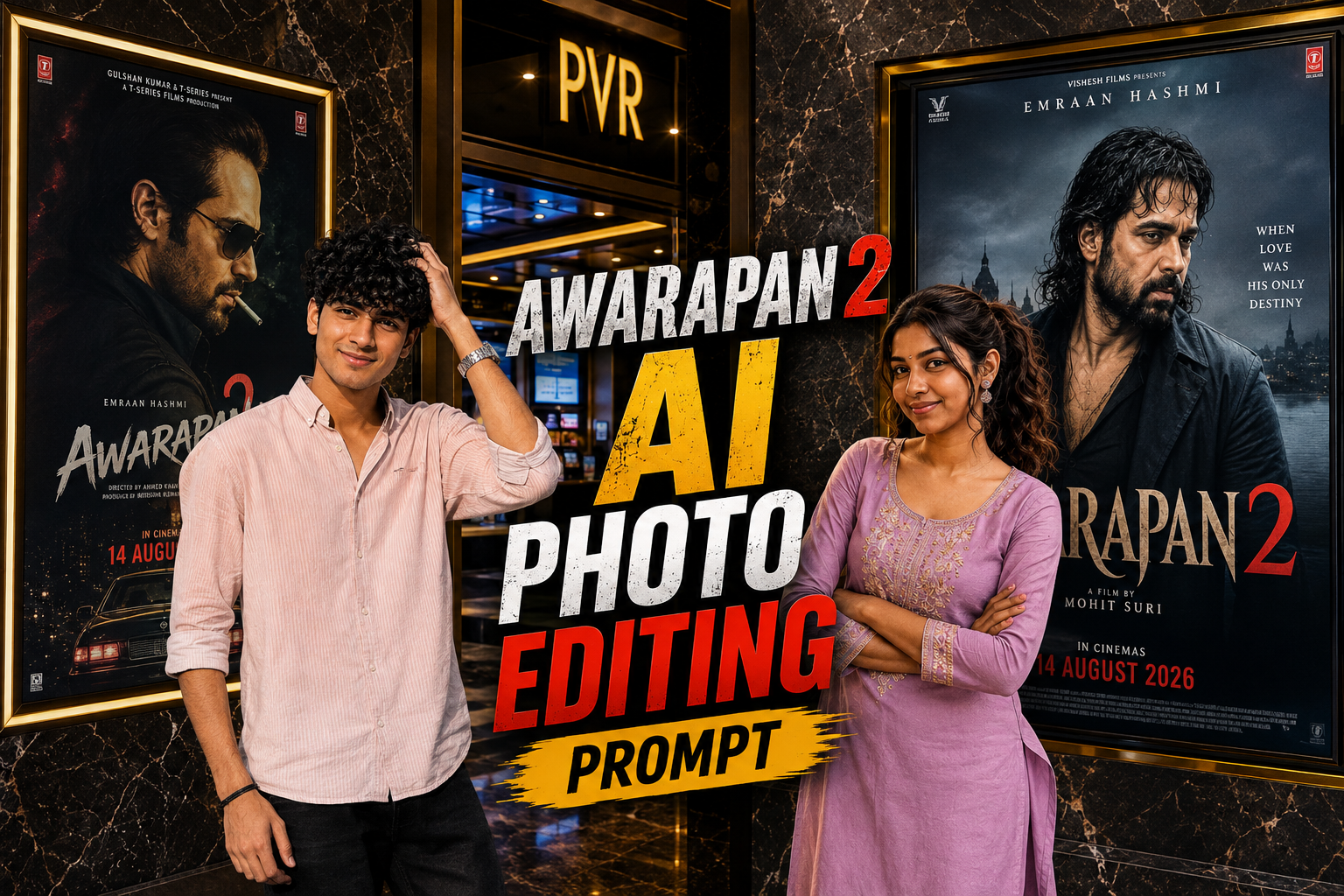
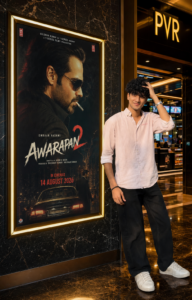
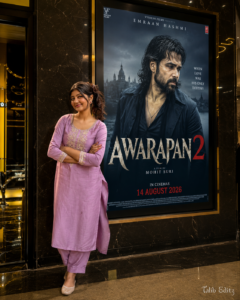
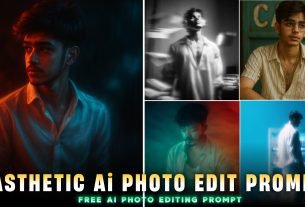
Awarapan 2 movie photoo editing prompts In this post, I will give you Instagram’s trending Awarapan movie photo editing prompts. And the best thing is that you can make both this type of photo and video because I will give prompts for both in this post. And I will tell you the easiest way. And as you know, Awaarapan 2 is releasing on 14th August, so right now people are making a lot of such images and it is trending right now. And the biggest thing is that if you make such photos, there will be full chance of them going viral. Just stay tuned to this post, I will tell you everything, how you will get the prompt, how the photo will be generated, everything. So let me explain to you in detail below how to make it, what will be its benefits, where did its trend start, everything
Details Awarapan 2 Viral Ai Photo Edit Prompt :-
Awarapan 2 movie AI photo editing is the biggest reason to trend at this time because Awarapan 2 movie has just released on 14th August, so in its craze people are making a lot of photos and their photos It is going viral and many people go to the cinema and click such photos, but not everyone is able to click such photos because there are many reasons, they do not get time or their financial condition is not good. It is not right and there are many such reasons due to which people are not able to go to the cinema hall. When you cannot go there, then from where will you click such photos? But don’t worry, you can create such images by using the prompts given by me, just follow the steps given.
What is Chatgpt ?
Chatgp is an editing application as well as a very helpful app, in this you can generate your photo as well as clear your doubts, just follow the steps given by me. In this, I will tell you which photo you should use to create such Awaarapan 2 images and which one is the right prompt for this. So that your face, clear background, photo quality, movie banner, all these remain absolutely perfect and for making this type of photo, this Chatgpt tool is the best and you will get it on Play Store.
Use the uploaded photo as a STRICT IDENTITY REFERENCE. Keep the person’s face, hairstyle, expression, skin tone, outfit, body proportions, and overall appearance 100% identical. No beautification, face editing, AI face replacement, or age modification. SCENE: Create an ultra-realistic luxury cinema lobby photograph. Place the uploaded person naturally beside a giant illuminated Awarapan 2 movie poster display mounted on a premium marble wall. The person should be looking naturally toward the camera with a realistic, elegant pose. SUBJECT: Preserve the exact uploaded clothing, hairstyle, facial features, skin texture, body proportions, and identity. Do not alter or redesign the outfit. Maintain realistic body posture, natural hands, accurate anatomy, realistic shadows, and authentic reflections. POSTER LOCK — VERY IMPORTANT: Keep the original Awarapan 2 movie poster completely unchanged. Do not modify Emraan Hashmi, the AWARAPAN 2 title, typography, colors, character appearance, background, poster artwork, frame size, or placement. RELEASE DATE: The poster must clearly show the updated release date: 14 AUGUST 2026. Do not use the old 3rd April 2026 release date. ENVIRONMENT: Premium PVR/IMAX-style cinema lobby, luxurious dark marble wall, polished reflective floor, realistic glass surfaces, warm golden ambient lighting, subtle cinema signage, authentic movie-theater atmosphere, cinematic depth of field, natural perspective, realistic indoor lighting. COMPOSITION: Position the person beside the poster without covering the main movie artwork, title, or important poster text. Maintain natural proportions and believable distance between the subject and poster. The scene should look like an authentic DSLR photograph taken inside a premium cinema lobby. IMPORTANT: Only add/replace the audience member standing beside the poster. Do not unnecessarily modify the poster artwork, Emraan Hashmi, movie title, release date, cinema frame, marble wall texture, camera perspective, lighting structure, or overall composition. QUALITY: Ultra-realistic DSLR photography, 8K Ultra HD, HDR, cinematic lighting, professional movie-premiere photography, realistic skin texture, sharp facial details, natural shadows, accurate reflections, hyper-detailed, photorealistic, viral Instagram-quality image. ASPECT RATIO: 4:5 vertical.
Use uploaded photo as STRICT IDENTITY REFERENCE. Keep face, hairstyle, expression, skin tone, outfit, hijab/hair, body proportions and overall appearance 100% identical. No beautification, no face editing, no AI face replacement, no age modification. EXACT SCENE RECREATION: Ultra-realistic luxury cinema lobby photograph. Subject standing naturally beside a giant illuminated Awarapan 2 movie poster display mounted on a premium marble wall. Original Awarapan 2 poster featuring Emraan Hashmi remains completely unchanged. Luxury PVR/IMAX cinema environment, warm golden ambient lighting, polished marble floor reflections, realistic glass surfaces, premium theater atmosphere. SUBJECT POSITION: The uploaded person standing beside the movie poster, naturally posing for a photo. If male: confident casual pose. If female: elegant natural pose. Same clothing as uploaded photo. Same face and identity preserved exactly. Looking toward camera. Realistic shadows and reflections. POSTER LOCK (DO NOT CHANGE): Keep the original Awarapan 2 poster exactly unchanged: Emraan Hashmi remains inside poster. Same title: AWARAPAN 2. Same typography. Same colors. Same background. Same release text. Same poster design. Same frame size and placement. CINEMA ENVIRONMENT: Luxury multiplex lobby, marble wall, realistic reflections, premium movie-promotion display, DSLR photography look, cinematic depth of field, natural perspective, authentic theater lighting. IMPORTANT: Only replace the audience standing beside the poster. Do not modify: Awarapan 2 poster, Emraan Hashmi, Movie title, Release date, Cinema frame, Wall texture, Camera angle, Overall composition. WATERMARK: Talib Editz bottom-right corner. QUALITY: Ultra-realistic DSLR photograph, 8K Ultra HD, HDR, cinematic lighting, professional movie-premiere photography, hyper-detailed, viral Instagram-quality image. ASPECT RATIO: 4:5 Vertical.
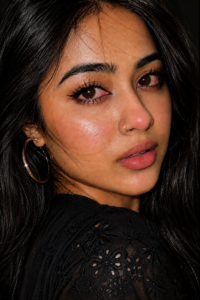
Create ultra-realistic close-up smartphone portrait of a woman(the reference image given) is in side pose head turn over shoulder looking directly towards the camera.She has long black hair full open, glossy natural skin, black winged eyeliner on eyes with subtle pink/red irritation, slight watery eyes, soft pink lips and a small silver nose ring.She wears a black chikankari shirt top and silver hoop earrings.Dark black background.Direct on-camera flash, intimate candid framing, deep shadows, realistic skin texture, vertical 9:16 ratio.
So, how do you want to edit photos of such sad Instagram users? Below are some steps, you just have to follow them carefully.
First of all, you have to click on the create image button.
And you have to login with your Google account.
And below you have to click on the plus icon and upload your selfie photo
Now you have to copy the prompt I have given above.
Then you have to paste the prompt in the text below
Now you have to send it.
Your image will be ready.
Now you have to download it by clicking on your image
What do You Need to Create This Photo ?
You are telling me which tools you will need to make this type of photo, which prompt is right for this, please watch it carefully and understand. To make this type of Awaarapan 2 movie like photo, you will need the right prompt which I have given you above for both girls and boys and to generate it, you will need the right tool Chatgpt I have also put a button for it, you just have to click on it and you will go directly to the Play Store. I have also explained the steps as to how it will be downloaded, what will happen to whom, everything and this tool is absolutely free.
How to fixs face change problem ?
If your face also changes while making such an image, then I will tell you its correct solution, if you know its real trick then from today your face changing problem will be solved. If your face also changes then what should you pay attention to that, first of all you should pay attention to your prompt whether that prompt is real for your photo or not. And secondly, when you upload your reference photo in chatgpt or any tool, your face should be clearly visible in that photo. Due to which your face change problem will be solved. I hope you have understood how to fix the face change problem.
Conclusion :-
Now after reading this article you must have understood how to make it, how to make a quick copy, what to do about the face change problem and how to generate the photo if you have any problem. Hey you can contact me through social platform Instagram id vmeditor27 Espar you can contact me and ask your doubts, your questions, your problems You can also make such photos and go viral and send them to your crush girlfriend or sister.