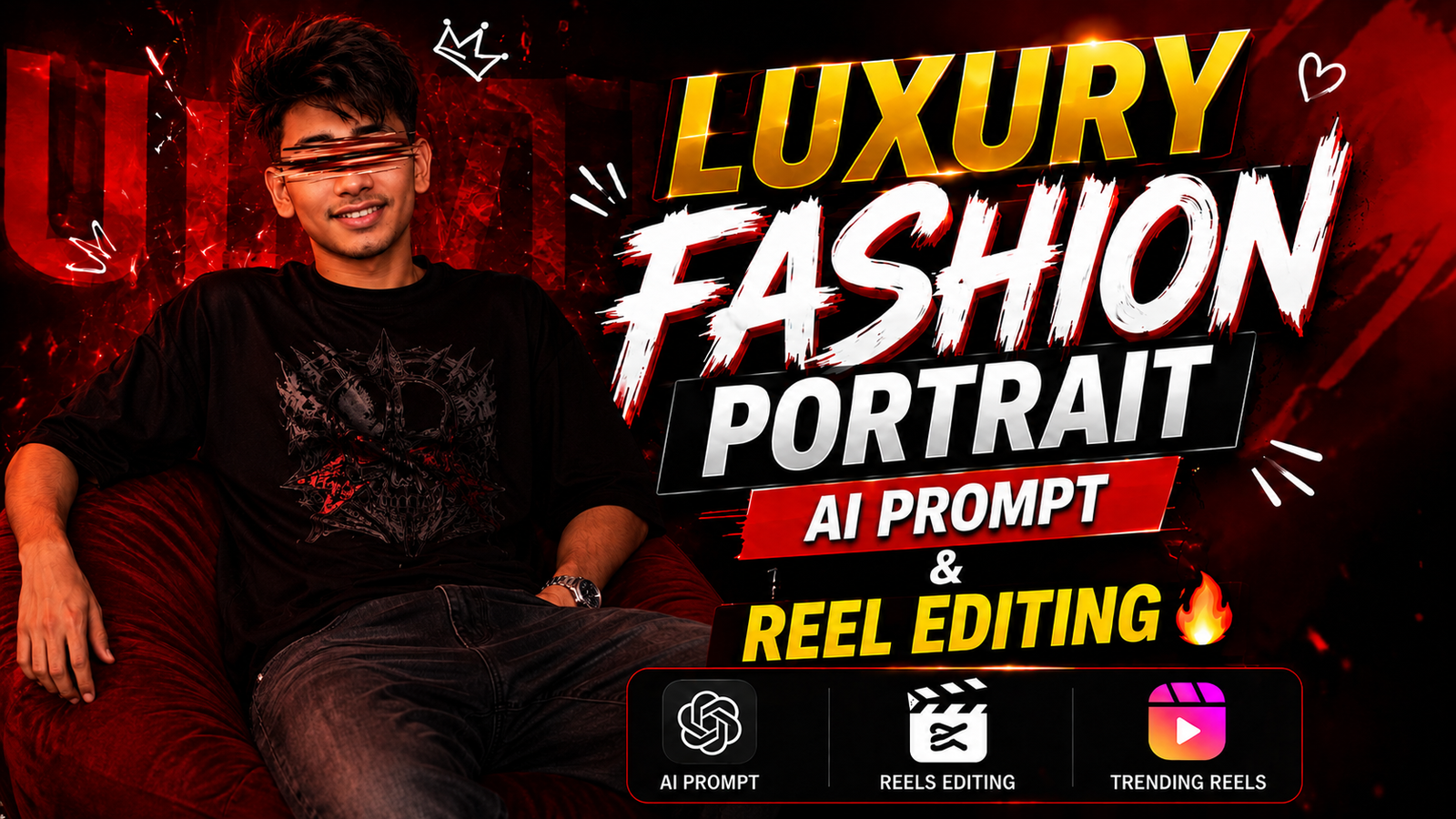
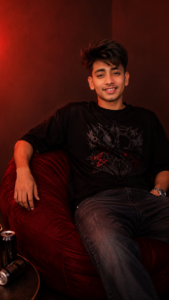
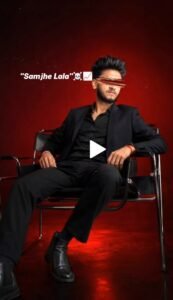
So friends, right now portrait photo video editing is trending a lot on Instagram. In which a boy is sitting on a chair and the entire background is red in color and there is a blur effect over his eyes.This type of photo video is trending a lot and today I will tell you its complete editing in this post. And this is trending a lot at this time and it also looks very good to watch and by making such videos people are growing their accounts rapidly. And this requires you to first create images from a prompt I give you, then you need to create images from a prompt And you will have to make a video using a capcut template given by me. And I will tell you how to make photos with an AI tool, the name of that AI tool is Chatgpt, you will get it on Play Store, now I will explain to you the details below.
Details Ai Luxury Fashion Portrait Photo Video Edit Prompt :-
Luxury fashion portrait photo editing is qd premium photo editing, like celebrity artist or any famous actor, they do such photoshoot in which their look and fashion looks absolutely good. Due to which their aura always remains in plus and the biggest thing is the look and you can also give this look just by following the prompt and template given by me.And by making such videos and photo videos, you can upload them anywhere on social media like story status, Facebook, etc. and when people see such photos, they will think that you are rich or your lifestyle. I will definitely follow you a Your account will also grow and the reach of your account will also increase. You just follow the steps given by me and read and understand the article carefully.
What You Need to Create These Viral AI Luxury Video ?
Ai luxury fashion portrait what all do you need for photo video editing let me tell you first you will need the prompt given by me second thing you will need is chatgpt app which you can find on play store And the third thing you will get is Capcut in which you will make the final video using your photo. You will need these 3 things for such luxury fashion portrait photo video editing and you will need all these things.You will find it on my website

How To Create Image ?
- First of all, you have to click on the create image button.
- And you have to login with your Google account.
- And below you have to click on the plus icon and upload your selfie photo
- Now you have to copy the prompt I have given above.
- Then you have to paste the prompt in the text below
- Now you have to send it.
- Your image will be ready.
- Now you have to download it by clicking on your image
How To Create This Video?
I will tell you some steps below to use this viral Reels template of Ai Luxury Fashion Portrait follow them carefully only then you will be able to use it.
- First you need to connect your phone to Proton VPN
- Once the VPN is connected just close or log out of the VPN app
- After that open my website through Google
- There you will see a Use Template button just tap on it
- As soon as you tap it the link will automatically open in the CapCut app
- Inside CapCut select the template you want to use
- Then tap on the Next option And you have to select your video or photo.
- Your video will start processing
- Give it a few seconds and the edit will load with all effects in smooth slow motion
- After that you can export the video without any watermark
- Just tap the export icon and your final video will be saved directly in your gallery
What is Capcut ?
Capcut app is a very viral application and everyone uses this application and you will not find it on Play Store, you need a VPN to use it and in this you will get such transactions You will get things which you will not get in other apps and every big YouTuber creator also uses this application and they also say that this is the best application. And the best thing is that it also has a feature with which your video will be made in one click. I am talking about the same feature which I am describing in this post and the name of that feature is Template.By using this you can make any video in one click, I have already told you above how to do it.
Conclusion:-
I have told you everything, how you will get the template, how you have to use the template, if you have read and understood the article properly, then you will face it without any problem. We will make such trending reels, if you miss the article even a little bit then you will have a problem, so you should read and understand the article properly and now you can also make such trending reels for yourself or your brother or sister. What can you make and go viral, you should go viral