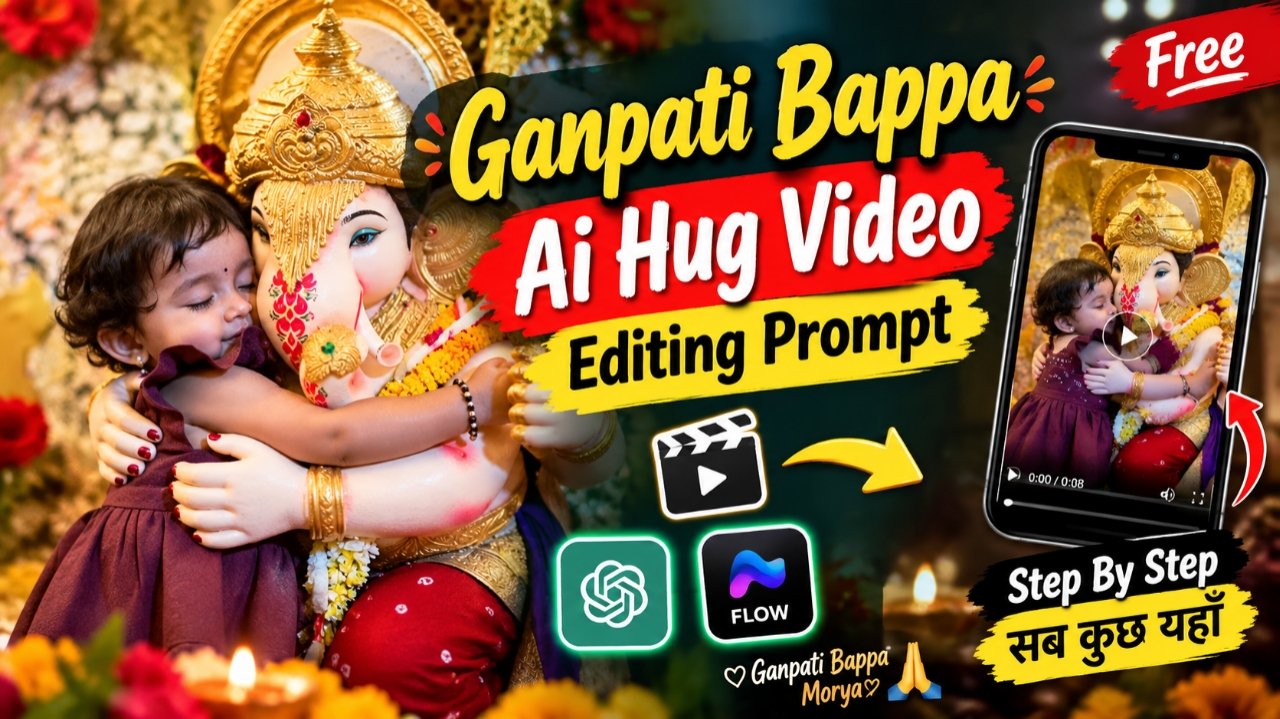
Ai Hug ganpati Bappa Prompt – So friends, right now on Instagram, there is a trending trend involving Ganpati Bappa where people are creating videos featuring themselves hugging the deity. These videos look incredibly realistic it appears as though Ganpati Bappa himself is rising up to embrace you. Such videos are garnering millions of views, and people are creating them rapidly. If you also want to make this kind of video, you can do so using just a simple photo. If you have a photo taken with an idol of Ganpati Bappa whether at home or elsewhere you can use that very image to generate a video where you are hugging Him. The process is completely free, and in this article, I will explain exactly how to do it, step-by-step. So, please read this article carefully to learn the entire process. Let’s get started.
Details of Viral Ganesh ji ai Hug video
So guys, let’s talk about creating those AI-generated videos where Lord Ganesha gives you a hug. As you know, the Ganesh Chaturthi festivities began around September 14th; while some people have already completed the immersion (Visarjan) after one, one-and-a-half, or three days, the larger idols and those kept for seven days are still being worshipped. If you create a video where Ganpati Bappa hugs you and upload it to your social media platforms, there is a strong chance it could garner millions of views. People really love this type of content, and the videos look incredibly realistic you wouldn’t even guess they are AI-generated. The way Ganpati Bappa smoothly rises and embraces you looks fantastic, and the accompanying music matches perfectly. So, let me show you how you can create one yourself.
How To Select Perfect Photo for Generate hug Ai Video
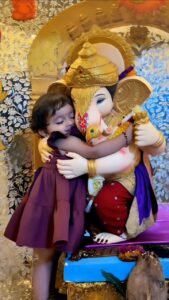
So friends, if you want to create a video like this featuring Ganpati Bappa, the most important thing is having a good photo ideally one where you are standing with your hands folded in front of the idol (or in any pose you prefer), ensuring the camera angle matches that stance. By animating such a photo, you can create that “hugging” style video that people really love. Make sure to use a perfect photo where your face is clearly visible; also, the idol shouldn’t appear disproportionately large it should be sized appropriately so the final hugging video looks visually appealing and balanced. Keep these details in mind when selecting your photo, and you can use it to create this kind of video. Let’s go through the steps below.
How To Create Viral Ganpati Bappa Ai Hug Video
So, friends, how can you create these “Ganpati Bappa” AI videos featuring yourself, your children, or anyone else? In this article, we will outline a few steps; by following them, you can easily create such videos for free. Please make sure to follow the steps below very carefully.
- So first of all you will see a prompt above, you have to copy it.
- After the prompt is copied, you have to click on the Generate Video button below.
- Then you have to paste the simple prompt directly there.
- And there you have to select the size, the type of ratio 9 * 16 which you want to make.
- And as soon as you send it, your video will be generated in a few seconds and you have to download it.
What is the Google flow ai
So, friends, what exactly is Google flow AI? It is a video-generating tool that allows you to create videos using AI; you can transform any of your photos or images into realistic, cinematic videos. You can also use “text-to-video” features essentially, you can dictate the action, such as making a subject move or speak exactly as you wish. Additionally, you can generate images using prompts and modify them based on those prompts. For instance, if you upload a photo featuring Lord Ganesha and prompt the AI to have Him slowly stand up and offer a gentle embrace, the AI will execute that exact sequence. You can generate videos completely free of charge using this tool, making it one of the best options available. While there are other AI tools on the market, many are expensive and don’t offer even a single free video generation. In contrast, with this tool, you can easily generate four to five videos daily for free, and you receive daily coin allowances to support this. Being able to generate up to five videos a day at no cost makes it an excellent choice; it can create virtually any type of video provided your prompt is accurate.
Conclusion
In this article, I have explained the entire process of generating videos where you appear to be hugging Lord Ganesha. You can use any photo of yourself whether you are standing with folded hands before the idol or in any other pose where your face is clearly visibleto create these hugging videos. They look fantastic and are garnering millions of views. I have provided the prompts and the completely free method to create them; hopefully, you have understood the process and successfully made your own video. If you have, go ahead and post it on your social media platforms since this is currently trending, your video has a great chance of going viral.