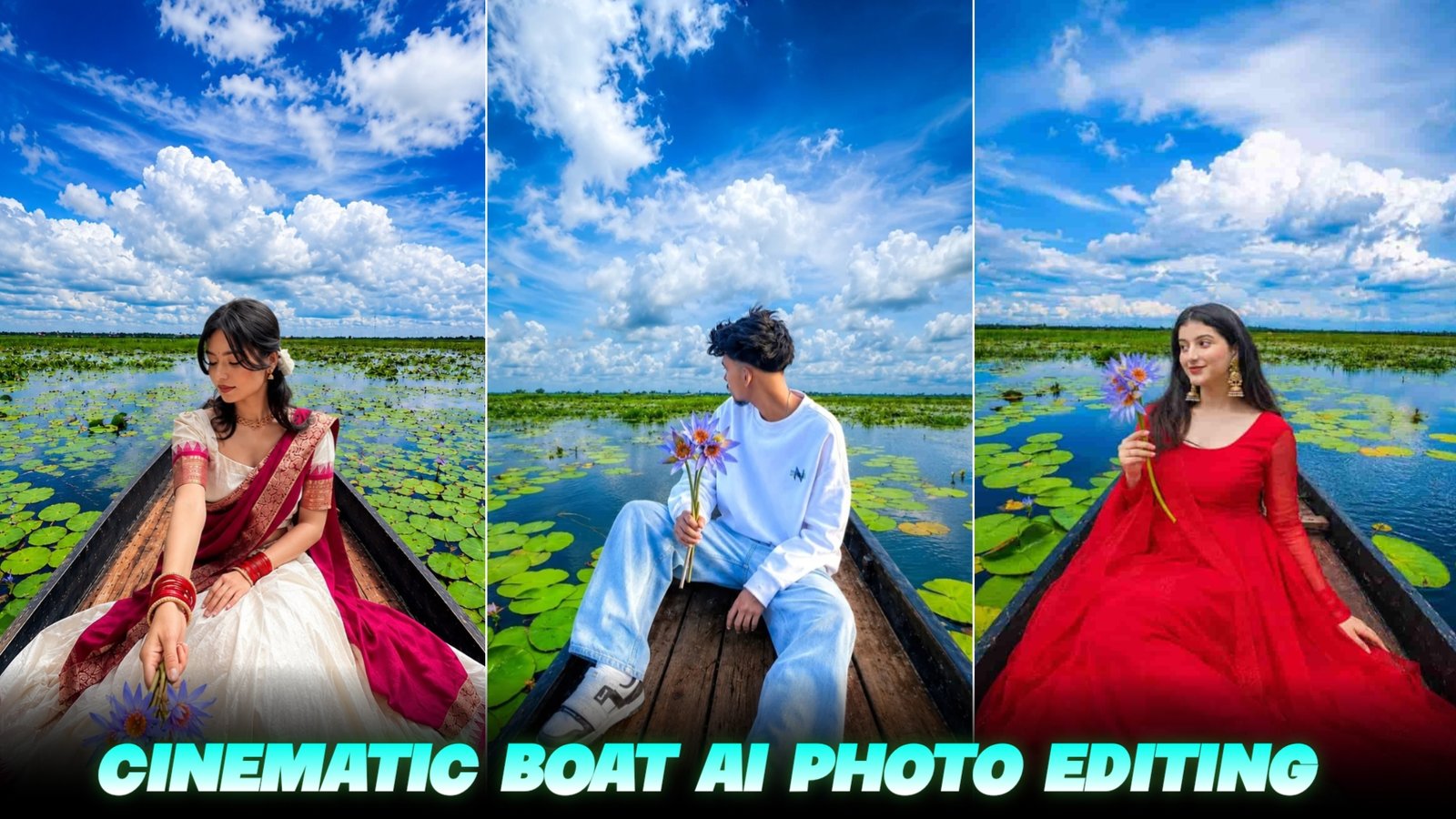
Cinematic Lake boat Ai Photo Editing Prompt – So friends, right now, photos featuring a boat by the riverside—created using specific editing styles—are going viral on social media. As you know, new image trends emerge constantly, and people are eager to create them. You have likely seen these images and wondered how to make one yourself. In this article, I will show you how to create such an image using your own photo. I am providing a specific prompt that allows you to generate this viral-style image with just a single click, so you can post it to your social media stories or feed—it looks fantastic. Let’s dive into the details of how you can create these images.
Details Of Bot Ai Photo Editing Prompt
So friends, let me tell you about this type of photo edit. As you can see, the image features a river scene where a boy or a girl is positioned—either standing or sitting—in a boat; it is a truly impressive shot. These photos are going viral on social media, and both boys and girls are creating and sharing them. Whether you are a boy or a girl, you too can create this kind of image. Let me explain the process step-by-step below; just make sure to read this article carefully to fully understand how it’s done.
Background Image Download
So to make such a photo, first of all you have to download the background that I have given you here and after downloading it, put this photo and your selfie photo together. You have to upload it with the prompt, only then your photo will be created like this, below I am giving it to you on the prompt and this is the background.
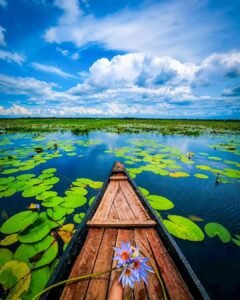
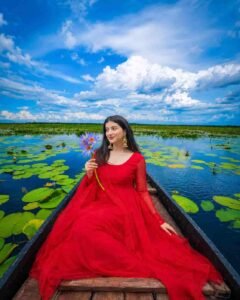
Same face Same outfit: ultrawide. Upper-angle low-angle shot of a young person sitting in the same boat This girl who is sitting in a boat should look photo realistic with two stylish looks. Hand the girl flowers like the ones in the boat-hold them in one hand. And Increase the quality. Instagrammable 4:5 ratio

ultrawide. Upper-angle low-angle shot by 17 Pro Max ultrawide angle of a young man sitting with his head bowed in the same boat This boy who is sitting in a boat should look photo realistic with two stylish looks. Hand the boy flowers like the ones in the boat-hold them in one hand. And Increase the quality.
Instagrammable 4:5 ratio
How To Create Image :-
So friends, now let me tell you how you can make such a photo, that too in some simple steps so that you can make such a butt photo and post it on your social media platform.
- First of all, you need to download the Chat GPT app.
- And I have given you a background image, you have to download that also.
- Now you have to open the chat Gpt app
- As soon as you open it, you have to sign up by clicking on the option of Continue with Google
- Now you have to come to my website and copy the prompt
- Then in the chat Gpt app you have to select your photo & BG and paste it from the photo you have copied and then send it
- Now your image will be created and ready in 2 or 3 minutes, you just have to simply save it
Face Match Problem Fix
So, if you are creating such photos using ChatGPT but your face doesn’t quite match—meaning the generated image shows a face that looks slightly different from yours—here is what you need to do to ensure a 100% match and a perfect result: make sure the selfie or any other image you upload shows your face very clearly. You can use an existing clear photo or take a new one right then. Then, simply submit the prompt I provided along with that image, and you will see that the generated image features a face that matches yours perfectly.
Conclusion
So friends, today in this article I have told you how to edit this type of photo of a boat on the river bank.And I have given you different types of prompts, different for girls and different for boys, using which you can make such photos very easily and I have also told you all the steps in detail.So whatever I told you, you might have understood it and you might have also created such an image, if you have created it then go and post it on your social media platform.