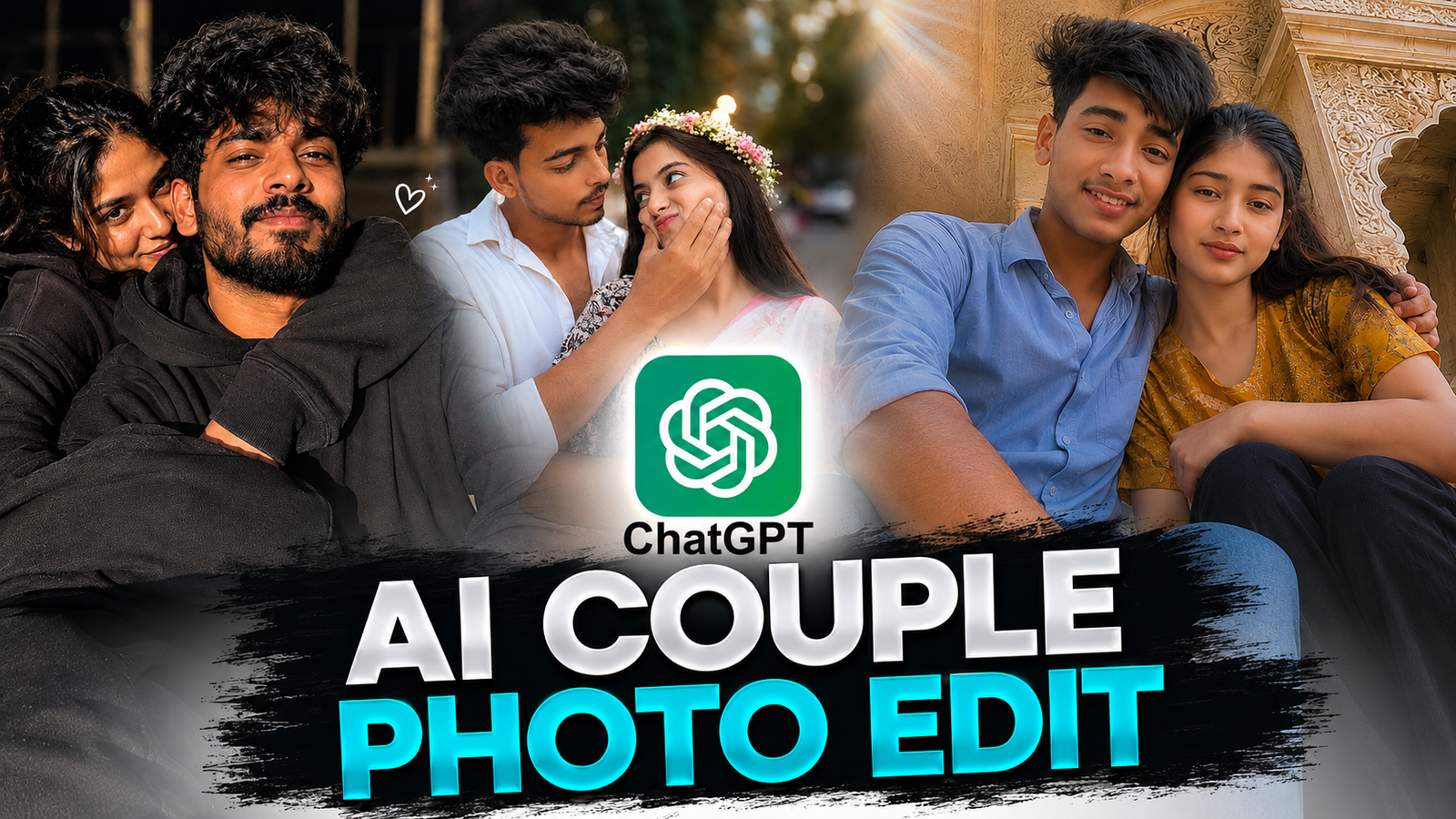
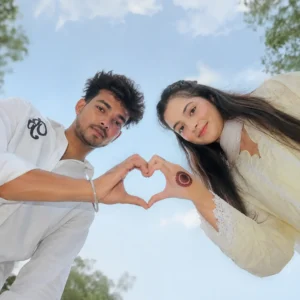
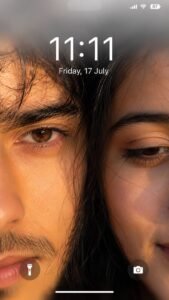
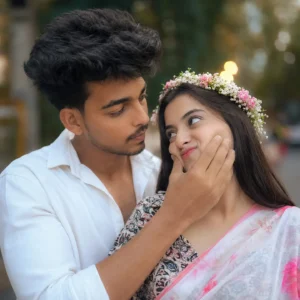
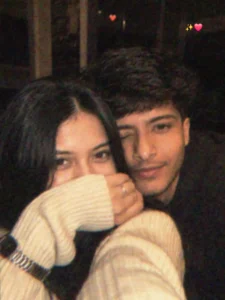
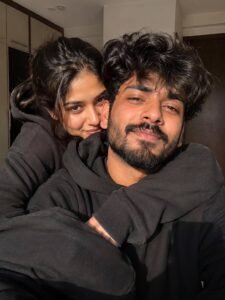
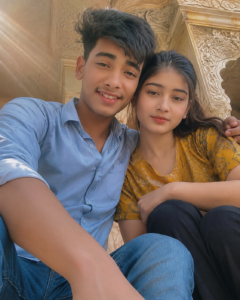
So friends, in today’s post I will give you a prompt about different couple style photo edits on Instagram, which you can use. You can create such images with your partner which look very cool and romantic. You can create all kinds of images. You can also hug your partner. Friends, I know you want to click a photo with your crush or girlfriend, but there are many reasons due to which you will not be able to click a photo with them. But don’t worry, now with the help of a prompt given by me, you can create such images using the photo of your girlfriend crush, that too in different poses and in different backgrounds, which will look completely realistic. So you just follow the steps given by me and read this article carefully and understand it. Now I will explain to you in the following details what it is and what are its benefits.
Details Viral Ai Couple Photo Edit :-
AI couple photo editing is create 2 lovers who love each other, from one side you can also call them husband and wife And every couple wants to take a photo with their lover but there are many such problems due to which they are not able to take a photo with each other because there is pressure from the family and many such people.There are many such problems but don’t worry, by following the steps given by me and without anyone knowing, you can now make such images of your crush, GF or BF, whoever it may be. And the most important thing is that I will tell you in the easiest way possible. You can make it very easily. I will give you a prompt below, then below it I will give you a button to create an image and below that I will tell you the steps on how to create such a couple image.

reference photo as a highly realistic cinematic smartphone photograph.
Preserve the exact composition, framing, camera perspective, poses, positions, clothing, environment, lighting, shadows, colors, and atmosphere.
FACE / IDENTITY: Use the separately uploaded male face reference as a strict identity reference. Preserve his exact facial structure, proportions, skin texture, eyes, nose, lips, jawline, and distinctive features. Use the reference image’s exact hair color, hairstyle, and natural hair texture. Do not beautify or alter identity.
MALE: Foreground left, seated close to camera in a light powder-blue shirt with rolled sleeves and dark jeans. Body angled right, head tilted down toward camera, left hand supporting his cheek/ ear, silver wristwatch visible. His face is partly hidden while looking toward the girl, showing only a natural half-face.
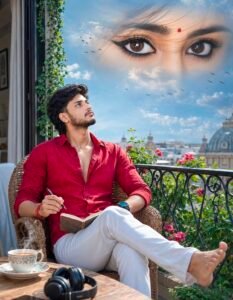
Above him, create a subtle dreamlike double exposure effect of expressive female eyes within a bright blue sky, surrounded by soft white clouds and distant flying birds, symbolizing romantic longing and memories.
Use soft natural afternoon sunlight, realistic skin texture, cinematic depth of field, gentle atmospheric perspective, detailed fabrics and plants, natural shadows, warm romantic color grading, DSLR photography aesthetic, sharp subject focus, creamy background bokeh, and highly photorealistic details.

sunlight filtering through tree leaves. Create delicate dappled light and shadow patterns across the subject. Add strong dreamy glow, creamy highlights, soft bloom around bright areas, gentle atmospheric haze, subtle mist, low contrast, lifted blacks, warm ivory, beige and muted olive color palette. Use soft pastel shadows, smooth skin tones, feathered light diffusion, vintage film softness, Kodak Portra 400 inspired tones, subtle film grain, matte finish, soft focus, natural bokeh, glowing backlight, warm amber highlights, creamy whites, and a peaceful nostalgic mood. Avoid oversturation, harsh contrast, sharp edges, HDR look, or artificial colors. The final image should feel calm, romantic, airy, luminous, and cinematic, as if captured with a vintage lens and black mist filter during golden hour. (best results ke liye): Dreamy glow Ethereal lighting Soft bloom Black Pro Mist 1/4 filter Golden hour Sunlight through leaves Creamy highlights Atmospheric haze Kodak Portra 400 Matte film look Low contrast Warm ivory tones Vintage lens softness Delicate film grain Airy aesthetic
How to Create Image :-
So, how do you want to edit photos of such sad Instagram users? Below are some steps, you just have to follow them carefully.
- First of all, you have to click on the create image button.
- And you have to login with your Google account.
- And below you have to click on the plus icon and upload your selfie photo
- Now you have to copy the prompt I have given above.
- Then you have to paste the prompt in the text below
- Now you have to send it.
- Your image will be ready.
- Now you have to download it by clicking on your image
How to fixs face change Problem?
So if your face also changes then I will tell you how to fix it. I know that due to face change many people do not make such images and if they do, then your face changes, see, the thing that will give you the most importance in making such type of image is That is your uploaded image. When you go to create such an image, the photo you use should be a selfie photo because the face is clearly visible in it, due to which Chatgpt or any other tool face It scans your face accurately so that your face does not change. When you create such an image, add your clear face image.
Conclusion :-
So friends, I have told you everything about how to get the prompt, how to generate the image and what is the solution if there is a face change problem. If you have read my article, I hope you will make such an image. You can also impress your crush girlfriend by making such an image and you can also put a status story.