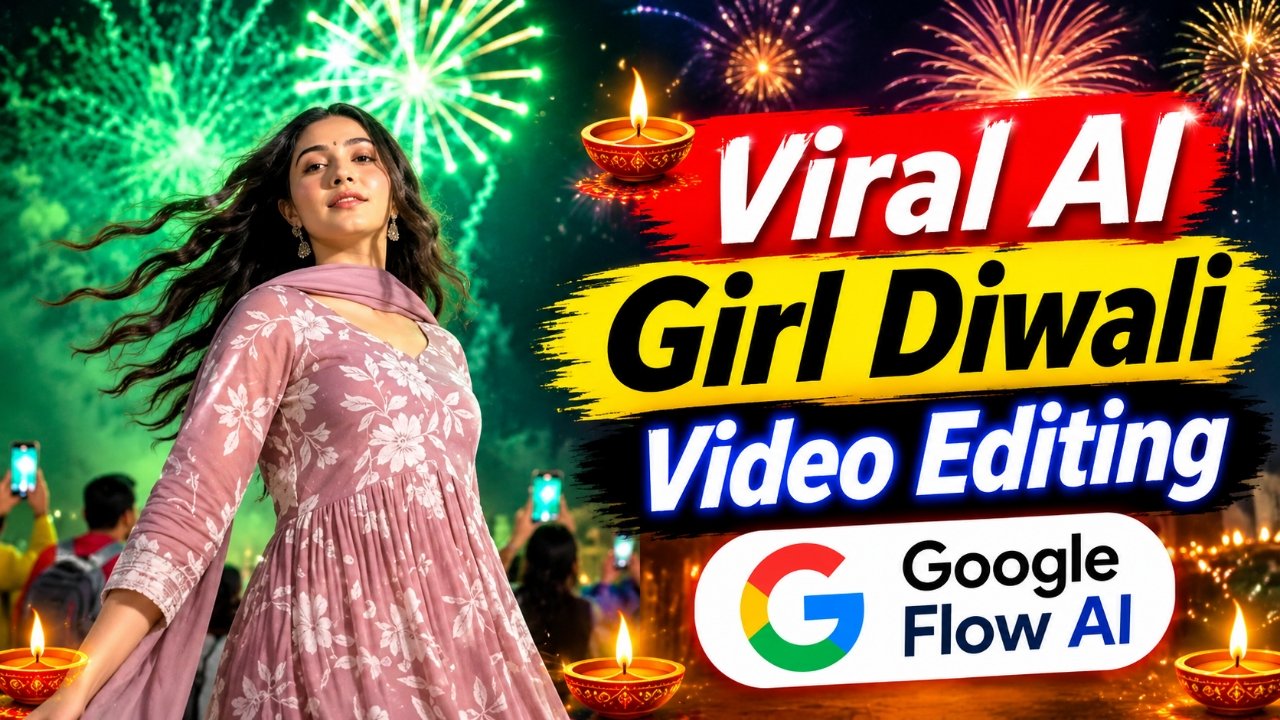
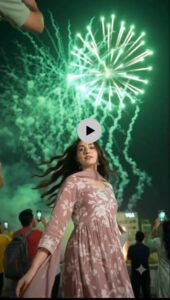
Create a beautiful and realistic AI Girl Diwali Video using Google Flow AI. With this trending AI video editing technique, you can transform your simple photograph into a cinematic Diwali celebration video. In this video, a girl performs a slight backward-style movement, followed by beautiful fireworks bursting in the background, creating an attractive festive atmosphere. You don’t need to record the video yourself or use complicated editing techniques. Simply use your own photo, the reference video, and the special AI video editing prompt available on our website to generate your own Diwali video. This effect is perfect for Instagram Reels, YouTube Shorts, Facebook Reels, and other social media platforms.
Details of Viral AI Girl Diwali Video Edit :-
AI Girl Diwali Video Editing is a creative AI video generation technique that allows you to turn an ordinary photograph into a beautiful festive video. Using Google Flow AI, you can create a scene in which your character performs a slight backward-style movement while colorful fireworks burst in the background. The reference video helps guide the movement, timing, and camera behavior, while your personal photograph provides the visual identity of the girl in the generated video. The combination of natural character movement, festive lighting, and colorful fireworks gives the video a cinematic Diwali look. This editing style is especially useful for creators who want to make unique festival reels and share creative Diwali wishes with their friends and followers.
What Do You Need to Create an AI Girl Diwali Video ?
To create this trending Diwali video, you need a few simple things. First, you need Google Flow AI for generating the final video. You will also need your own clear photograph, the Diwali reference video, and the special AI video editing prompt available on our website. Your photograph will help the AI understand the character’s appearance, while the reference video will guide the movement and fireworks scene. The prompt will provide additional instructions for generating the desired result. Make sure you use a clear photograph and the correct reference video for a better generation experience.
How to Create AI Girl Diwali Video Using Google Flow AI ?
First, open Google Flow AI through the Create Your Video button available on our website. Now click on New Project and select the Plus (+) icon to add your reference video. After uploading the reference video, add your own photograph and copy the special AI Girl Diwali Video Editing Prompt from our website. Paste the prompt into the prompt box and open the settings. Select the 9:16 aspect ratio, choose the option available next to the Frame setting, keep the speed at 1x, and set the video duration to 10 seconds. After applying all these settings, click on the Send button and wait for Google Flow AI to generate your video. Within a short time, your AI Girl Diwali video featuring the backward-style movement and beautiful fireworks will be ready. Once the video is generated, click on it, select the Download option, and save it to your device. That’s it! Your AI-generated Diwali video is ready to share on social media.
Create Your Video
What Is Google Flow AI and How Does It Help Create AI Diwali Videos ?
Google Flow AI is an AI-powered video creation tool that helps users generate creative videos using photographs, reference videos, and text prompts. It allows creators to experiment with different movements, scenes, camera angles, and visual effects. For this Diwali editing technique, your photograph works as the character reference, while the uploaded reference video guides the movement and overall scene. The AI prompt provides instructions for the character’s actions and the fireworks effect. By combining these elements, you can create a personalized festive video without recording the original scene yourself.
Why Are AI Girl Diwali Videos Becoming Popular?
AI Girl Diwali videos are becoming popular because they offer a creative way to celebrate festivals through personalized AI-generated content. Instead of making ordinary festival photos or videos, creators can transform their photographs into cinematic scenes featuring attractive movements, colorful fireworks, and festive backgrounds. These videos are suitable for Instagram Reels, YouTube Shorts, Facebook Reels, and WhatsApp Status. With tools like Google Flow AI, even beginners can experiment with different festive video ideas and create unique content for special occasions.
Tips for Creating a Better AI Girl Diwali Video :-
For a better result, always use a clear photograph in which the girl’s appearance is easily visible. Choose the correct reference video so that the AI can understand the desired movement and fireworks timing. Keep the prompt and uploaded references consistent with each other. Also, check the generated video carefully to make sure the character’s appearance, movement, and background look natural. AI-generated results can sometimes vary, so you may need to generate the video again if the first result is not satisfactory.
Conclusion –
AI Girl Diwali Video Editing is a creative way to turn your simple photograph into a beautiful festive video featuring cinematic movement and colorful fireworks. With Google Flow AI, you can combine your photo, a reference video, and a special AI prompt to create your own personalized Diwali video. The process is simple: upload the reference video and your photo, paste the prompt, apply the recommended settings, and generate your video. Visit our website to get the reference video and complete AI video editing prompt, then follow this tutorial to create your own viral-style AI Girl Diwali video.