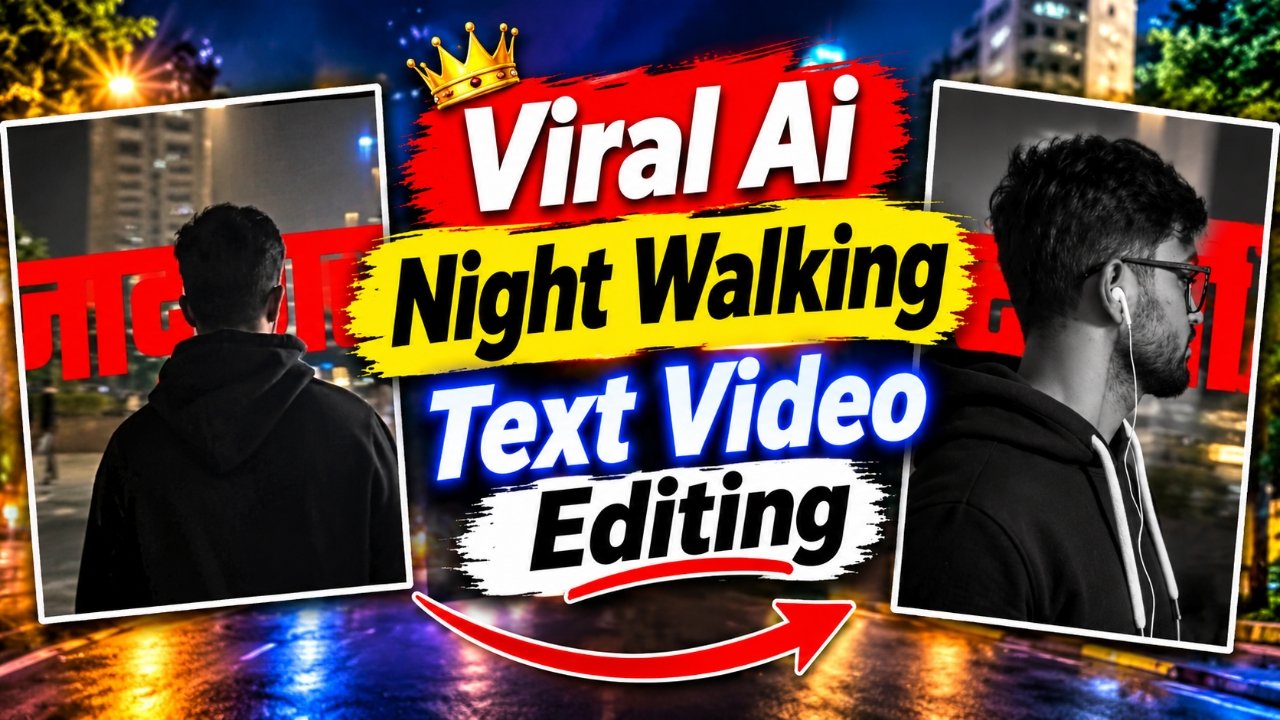
Create amazing AI Cinematic Walking Videos using Google Flow AI and CapCut. With this trending AI video editing technique, you can transform your simple photograph into a realistic walking video with cinematic movements and stylish text animations. You can use your personal photo to generate a new video with the help of a reference video and a special AI prompt available on our website. The best part is that you don’t need to record a walking video yourself or learn complicated editing techniques. Simply upload your photo and reference video to Google Flow AI, generate your cinematic walking video, and then use CapCut to add an attractive animated text effect. Follow this simple tutorial and create your own viral-style walking video for Instagram Reels, YouTube Shorts, and other social media platforms.
Details of Viral AI Cinematic Walking Video Editing
AI Cinematic Walking Video Editing is a creative video generation technique that allows you to turn an ordinary photograph into a cinematic video featuring realistic walking movements. Using Google Flow AI, you can generate a video based on your own photo and a suitable reference video. The AI attempts to recreate the movements, camera angles, and overall scene shown in the reference video while using your photograph as the visual reference for the character. After generating the video, you can make it more attractive by adding an animated text effect in CapCut. This combination of AI video generation and text overlay editing creates a stylish cinematic look. It is especially useful for creators who want to make unique reels, stylish walking videos, and trending social media content without recording everything themselves.
What Do You Need to Create This AI Cinematic Walking Video?
To create this video, you need a few simple things. First, you need Google Flow AI to generate your cinematic walking video using your personal photo and a reference video. You will also need the special AI video editing prompt and reference video available on our website. After generating your video, you need CapCut for the final editing process. You will also need the separate animated text video provided on our website, which you can download and add as an overlay in CapCut. These simple tools and resources will help you create the complete cinematic walking video with an attractive text animation effect.
How to Create AI Cinematic Walking Video Using Google Flow AI and CapCut
First, visit our website and click on the Create Your Video button to open Google Flow AI. Now click on New Project, then select the Plus (+) icon and upload your simple photograph. After that, add the reference video provided on our website and copy the special AI video editing prompt from the article. Paste the prompt into the prompt box, apply the recommended settings, and click on the Send button to generate your cinematic walking video. Once the video is ready, preview it and download it to your device. Now open CapCut, create a new project, and add your generated walking video. Select the Overlay option and add the animated text video downloaded from our website. Select the text overlay and use the Remove Background feature to remove its original background. Adjust the text animation’s size, position, and timing according to your video. Finally, preview your complete edit and export it to your device. That’s it! Your AI Cinematic Walking Video with animated text effects is ready.
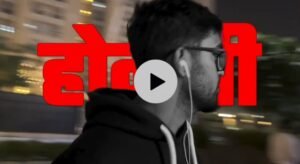
Download Text Video
What Is Google flow AI and How Does It Help Create Cinematic Walking Videos?
Google Flow AI is an AI-powered video creation tool that helps users generate videos using images, reference material, and text prompts. It allows creators to experiment with different scenes, movements, and cinematic video styles without manually creating every frame. For this walking video editing technique, your personal photograph provides the character reference, while the reference video guides the desired walking movements and camera behavior. The written prompt helps describe the type of video you want to generate. By combining these elements, you can create a personalized cinematic walking video that can later be edited in CapCut.
What Is CapCut and Why Is It Used for Animated Text Editing?
CapCut is a video editing application that provides different tools for adding overlays, effects, transitions, and other creative elements to videos. In this tutorial, CapCut is used to add the animated text video over your Google Flow AI-generated walking footage. You can import the downloaded text video through the Overlay option and use the Remove Background feature to separate the text animation from its original background. After that, you can adjust its position and timing to make it blend naturally with your main video. This final editing process gives your walking video a more attractive and cinematic appearance.
Why Is AI Cinematic Walking Video Editing Becoming Popular?
AI Cinematic Walking Video Editing is becoming popular because it allows creators to turn ordinary photographs into stylish videos without recording the original scene. People can experiment with different walking movements, camera angles, cinematic backgrounds, and text animations to create unique social media content. The combination of Google Flow AI and CapCut makes this editing style even more interesting because AI handles the video generation while CapCut helps complete the final visual presentation. This technique is a creative option for people who enjoy making trending reels and personalized cinematic videos.
Conclusion :-
AI Cinematic Walking Video Editing is an exciting way to transform your simple photograph into a stylish walking video with attractive animated text effects. By combining Google Flow AI and CapCut, you can generate a cinematic walking scene and add a separate text animation without recording the original footage yourself. You only need to upload your photo and reference video, use the special prompt available on our website, generate your video, and complete the editing process in CapCut using the animated text overlay. Visit our website to get the reference video, AI video editing prompt, and animated text video. Follow the complete tutorial and create your own viral-style cinematic walking video for Instagram Reels, YouTube Shorts, and other social media platforms.