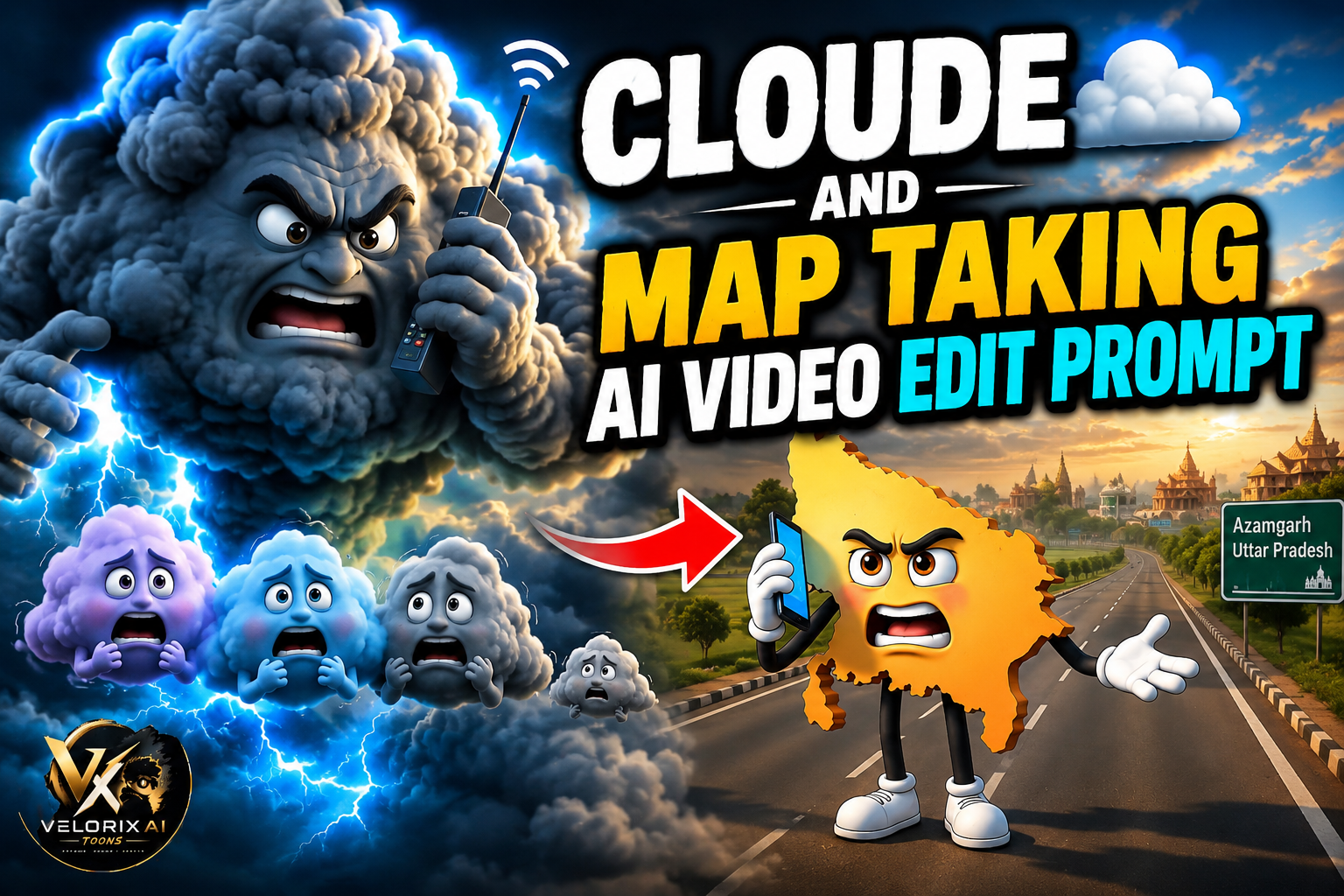
Viral Cloud Trend AI Reels Edit – Friends, you’ve probably noticed the viral Cloud (Badal) trend all over Instagram. In these videos, the cloud talks in a funny way, saying things like, “So, were you all waiting for me? This is just the trailer, the real show is yet to begin!” People are changing the dialogue to match their own city, village, or area and uploading it as Reels, Stories, and Status updates. The best part is that these personalized videos are getting amazing reach. Many creators are using this trend to grow their Instagram and Facebook accounts because people love watching videos related to their own place. They comment, share the Reel with friends, and even follow the creator, which helps the account grow much faster
Details Viral Clouds Map Editing
So, if you want your photo or video to go viral, now is the best time to do it because this topic is currently trending—and videos usually go viral only when they are part of a trend. This happens because trending videos appear in everyone’s feeds and are suggested to users, significantly increasing the likelihood of them going viral. Just follow the steps I’ve outlined, read and understand this article carefully, and don’t delay in capitalizing on this trend; otherwise, it won’t go viral. Also, editing it manually would take a lot of time and involve multiple steps But if you follow the steps given by me, then you will be able to make a prompt very easily with the help of this prompt. First I will give a prompt of the image and after that see And this looks completely real


🎥 Video Prompt:
> A cute anthropomorphic Uttar Pradesh map character standing on an Indian expressway, holding a smartphone, angry facial expression, cinematic 3D Pixar style, 9:16 vertical, realistic lighting.🎙️ Dialogue
🗺️ UP Map:
“साले काले बादल! तूने पूरी पेमेंट ले ली… और बारिश भी नहीं करी?”
🎬 Scene 2 (8–15 sec)
🎥 Video Prompt:
> Giant dark storm cloud floating in the sky holding a mobile phone, expressive face, realistic lip sync, Pixar 3D, thunder clouds, cinematic camera movement, 9:16.
🎙️ Dialogue
☁️ Big Cloud:
“माफ़ कर दो यूपी… बस थोड़ा टाइम दो, अभी करता हूँ.”
🎬 Scene 3 (15–28 sec)
🎥 Video Prompt:
> Giant angry cloud pointing at four small scared clouds, dark storm sky, lightning, expressive faces, Pixar 3D, cinematic lighting, 9:16.
🎙️ Dialogue
☁️ Big Cloud:
“अरे नालायकों! मैंने तुम सबको यूपी में जमकर बारिश करने को भेजा था… और तुम बिना बरसे वापस आ गए?”
☁️☁️☁️ Small Clouds (together):
“माफ़ कर दीजिए गुरुजी… गलती हो गई… अभी जाते हैं!”
How To Create Viral Clouds Map Ai Video
To edit such viral cloud and map videos, I am going to tell you a very easy method through which you can make such videos in a very easy way.Everything is explained step by step in this article.
- Follow All Steps:–
- First of all you have to click on Generate Video below
- And then you have to open the website from there and select the video there and paste the prompt.
- After that you have to wait for a few seconds, your video will start generating.
- And you will see that your video will be made and you can download it in HD.
Why Is the AI Cloud Trend Going Viral?
The AI Cloud trend is becoming popular because it allows people to create personalized videos featuring their own city, village, or favorite location. When viewers recognize a familiar place, they are more likely to stop scrolling, watch the entire video, and share it with friends. This naturally increases engagement through likes, comments, and shares Another reason for its popularity is that AI tools make these videos look surprisingly realistic while requiring very little editing experience. Since the trend is already attracting millions of views across social media, new videos using the same format have a better chance of being recommended to more users. That’s why many creators are using this trend to grow their Instagram and Facebook accounts quickly.
Conclusion
So friends, in today’s article, I have told you step by step the process of editing the video of clouds and map talking to each other and the correct way of making it, by following which you can get it.You guys can make such videos.