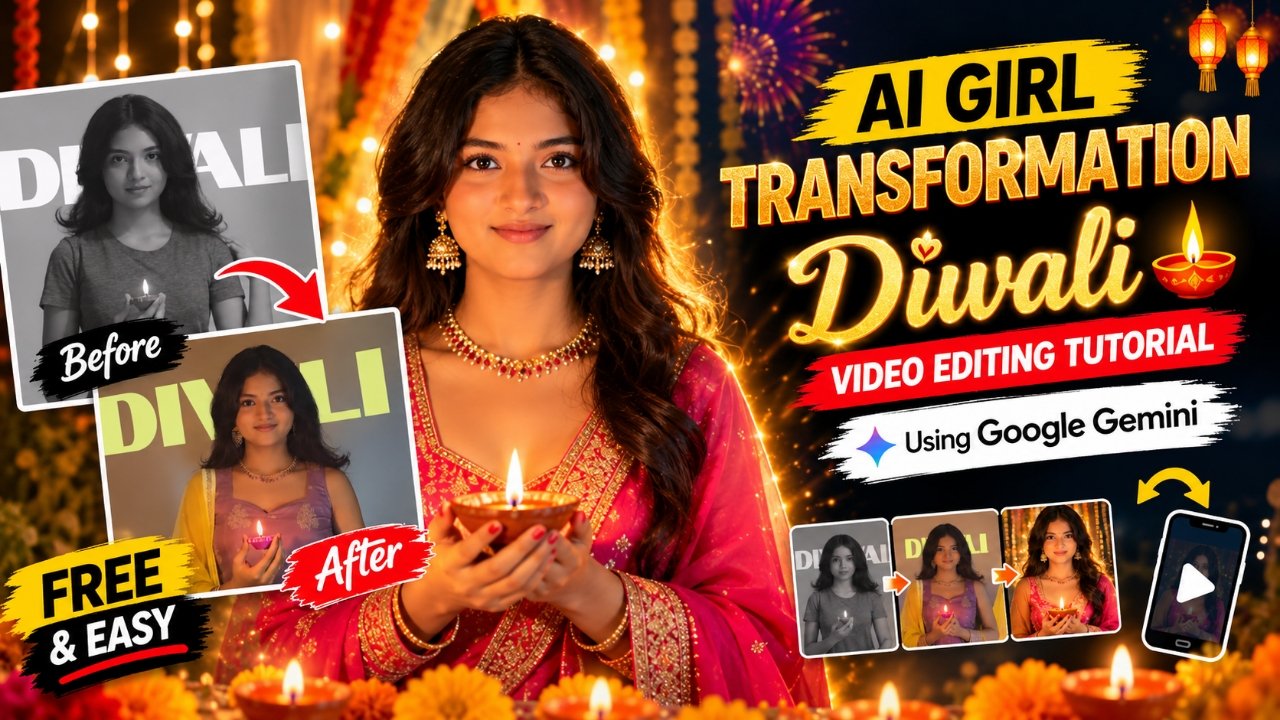
So friends, nowadays, AI Girl Transformation Diwali Videos are becoming popular on Instagram Reels and other social media platforms. In these videos, a girl transforms from a simple look into a beautiful traditional Diwali look, wearing an elegant ethnic outfit with stunning jewelry and a festive background. The transformation looks cinematic and visually attractive, which makes these videos perfect for social media content. If you also want to create this type of viral AI transformation video using your own photo, then in today’s article, I’ll explain the complete process using Google Flow AI. You don’t need complicated editing skills; you just need a simple photo and the right AI video prompt. So, let’s get started!
Details of Viral AI Girl Transformation Diwali Video Editing
Friends, you may have seen these AI transformation videos trending on Instagram, where a girl changes her appearance into a beautiful festive look with traditional Indian clothing, elegant accessories, and a Diwali-inspired atmosphere. The smooth transformation and realistic visual effects make the video more engaging and attractive. You can also create a similar video using your own photo and a suitable AI prompt. The entire process is simple, and you can generate your video with the help of Google Flow AI.
What Do You Need to Create an AI Girl Transformation Diwali Video?
To create this viral AI Girl Transformation Diwali Video, you will need just three things: a reference video, a secret AI video prompt, and your own simple photo. Don’t worry, you can find the reference video and secret prompt right here on this website. First, download the reference video provided in this article and select a clear photo that you want to use for your AI transformation. After that, copy the secret prompt given below and open the Google Gemini app or website. Upload your reference video, add your simple photo, and paste the secret prompt into the prompt box. Once everything is uploaded correctly, click the Send button and let Gemini process your inputs. Your AI Girl Transformation Diwali Video will be generated if video generation is available for your account. Finally, preview your video, save it to your device, and share it on Instagram Reels, YouTube Shorts, or other social media platforms.
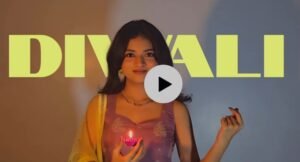
Download Refrence Video
How to Create AI Girl Transformation Diwali Video Using Google Gemini
So friends, first, open the Google Gemini app or website. Now, upload your reference video along with your own simple photo, then copy the AI Girl Transformation Diwali Video Prompt provided on this website and paste it into the prompt box. After uploading both files and adding the prompt, click the Send button. Gemini will process your reference video, photo, and prompt to generate your AI transformation video. Once the video is ready, you can preview it and save it to your device. That’s it! Your AI Girl Transformation Diwali Video is ready to share on Instagram Reels and YouTube Shorts. Video generation availability and processing time may vary depending on your Gemini account and available features.
What Is Google Gemini and How Does It Help Create AI Videos?
Google Gemini is Google’s AI-powered assistant that helps users perform various tasks, including generating content and working with images. Depending on the available features, Gemini can also help create AI videos using supported prompts, photos, and reference videos. For example, you can upload a reference video along with your own simple photo and add a suitable prompt to describe the transformation you want. Gemini will process your inputs and generate a video if the feature is available for your account. This makes it easier to experiment with creative AI video ideas without complicated editing. However, video generation features and availability may vary depending on your account and region.
Conclusion :-
So friends, in today’s article, I’ve explained how you can create an AI Girl Transformation Diwali Video using Google Flow AI. The process is simple: upload your photo, copy and paste the prompt provided on this website, and click the Generate button. Once your video is ready, you can save it, add music if needed, and share it on your favorite social media platforms. I hope you found this tutorial helpful. If you enjoyed this article, share it with your friends and keep visiting our website for more trending AI photo editing prompts, viral video editing tutorials, and creative AI video ideas!